Insta360 X6 support is live in DroneDeploy Ground: how it compares to the X5
.svg)
Quick Summary
The Insta360 X6 is now supported in DroneDeploy Ground across every capture mode. Walks capture at 8K, and panos improve from 72MP to 120MP on a sensor that is 30% larger than its predecessor. We tested the X6 and an X5 on an active hotel project, and the difference between them is most noticeable in low light conditions and panos.
Insta360 released the X6 as the follow-up to the X5. And we are excited to announce that every capture mode and all processing is now supported in DroneDeploy Ground.
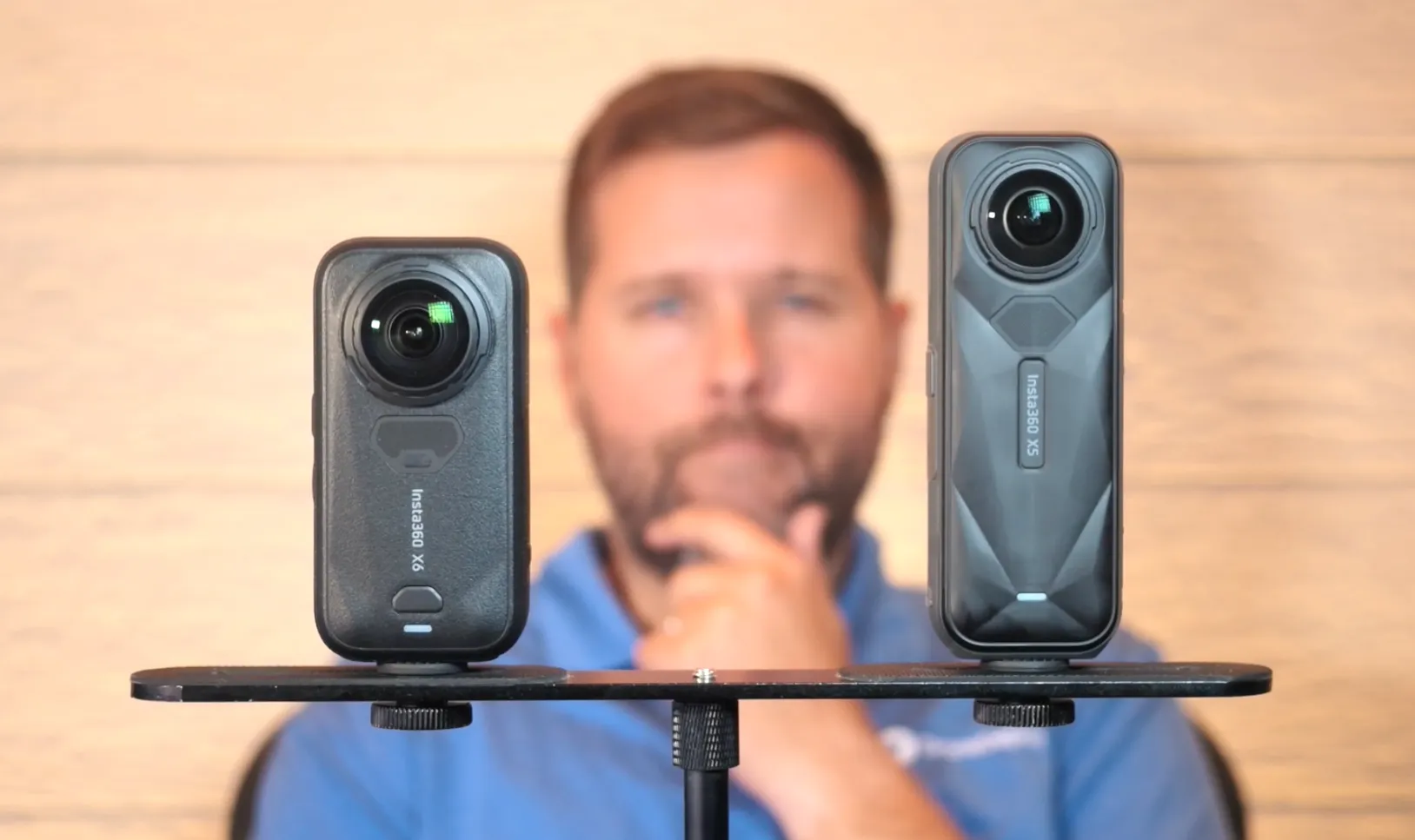
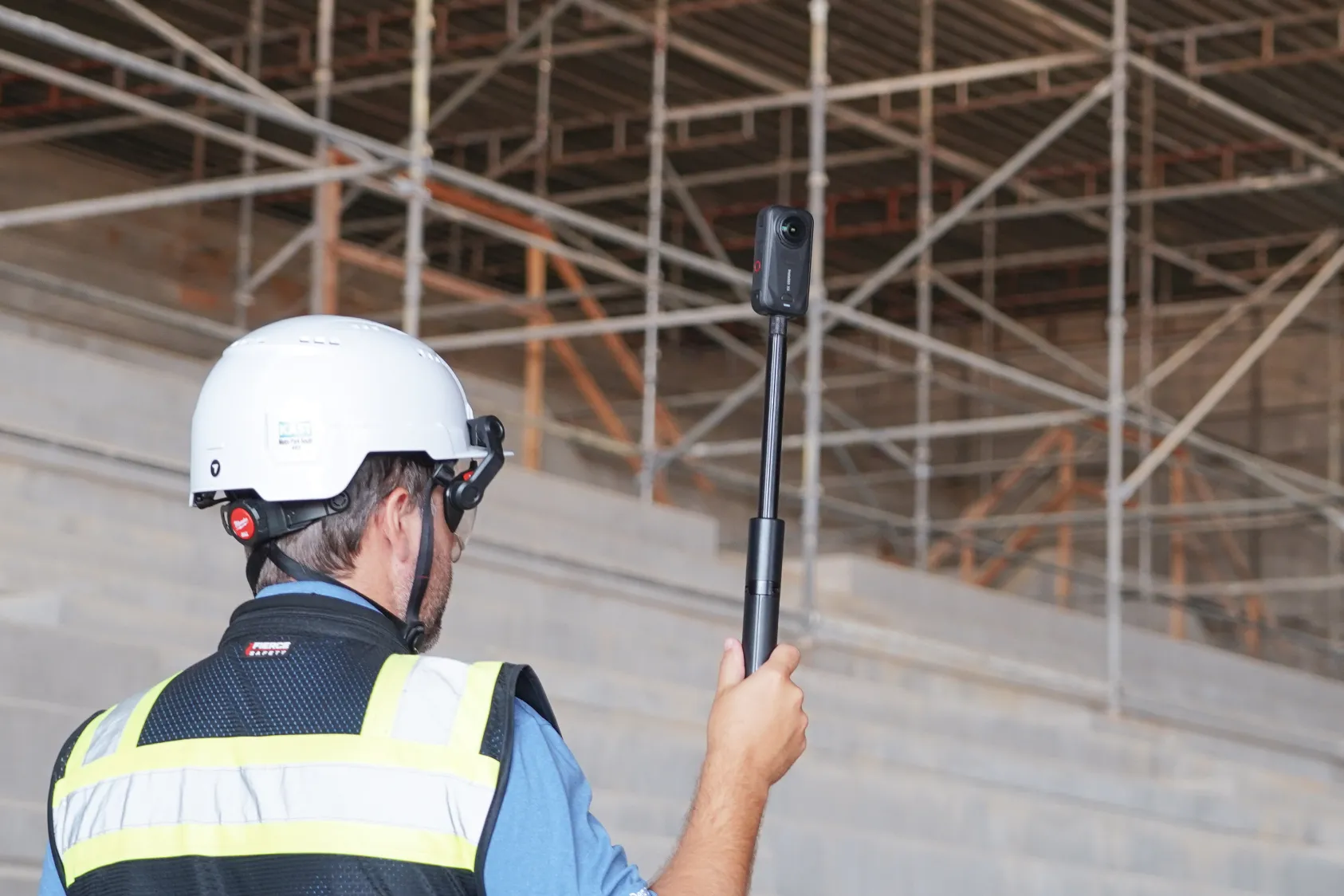
We put both the Insta360 X6 and X5 on a mount walking the same path through an active hotel project to see the difference between each model in the field and, the question on everyone’s minds, whether you should consider upgrading.
Watch the full comparison:
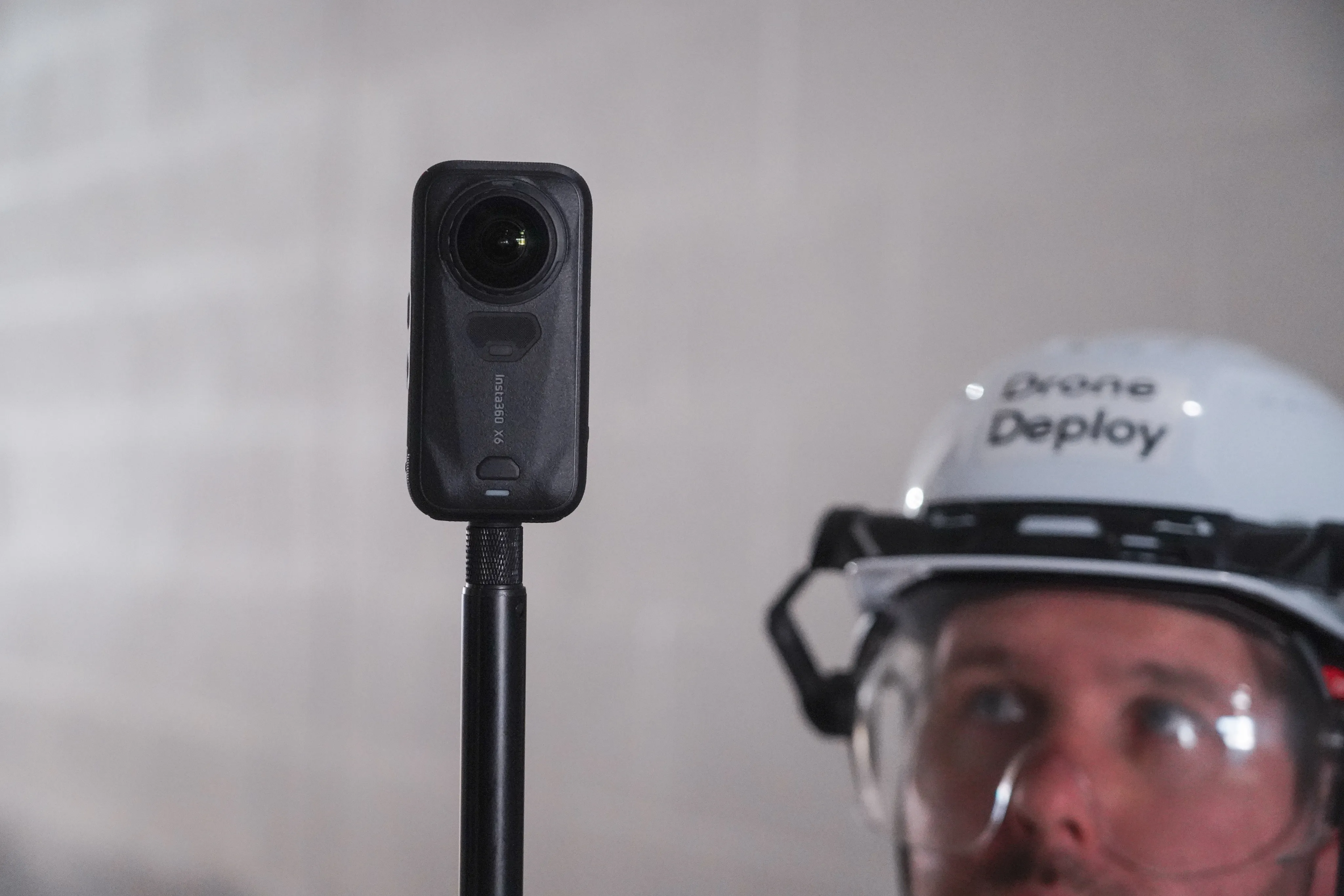
What's new in the X6
Higher image quality
One major change to the Insta360 X6 is the improvement in quality. While both cameras still capture Walks at 2fps, the X6 records them at 8K versus the X5’s 5.7K.
30% bigger sensor
With the new Insta360 X6 model comes a 30% increase in sensor size. More sensor area means more light per frame, and that improvement is most obvious in low-light conditions.
120MP panos
Panos receive a bump in quality too, going from 72MP on the X5 to 120MP, on the X6. You also get 47GB of built-in storage, so you can still capture even if you’ve forgotten an SD card on your walk.
Support for the Insta360 X6 is rolling out gradually. If your app has not picked it up yet, simply updating from the App Store will get it working.
Where the Insta360 X6 wins over the X5
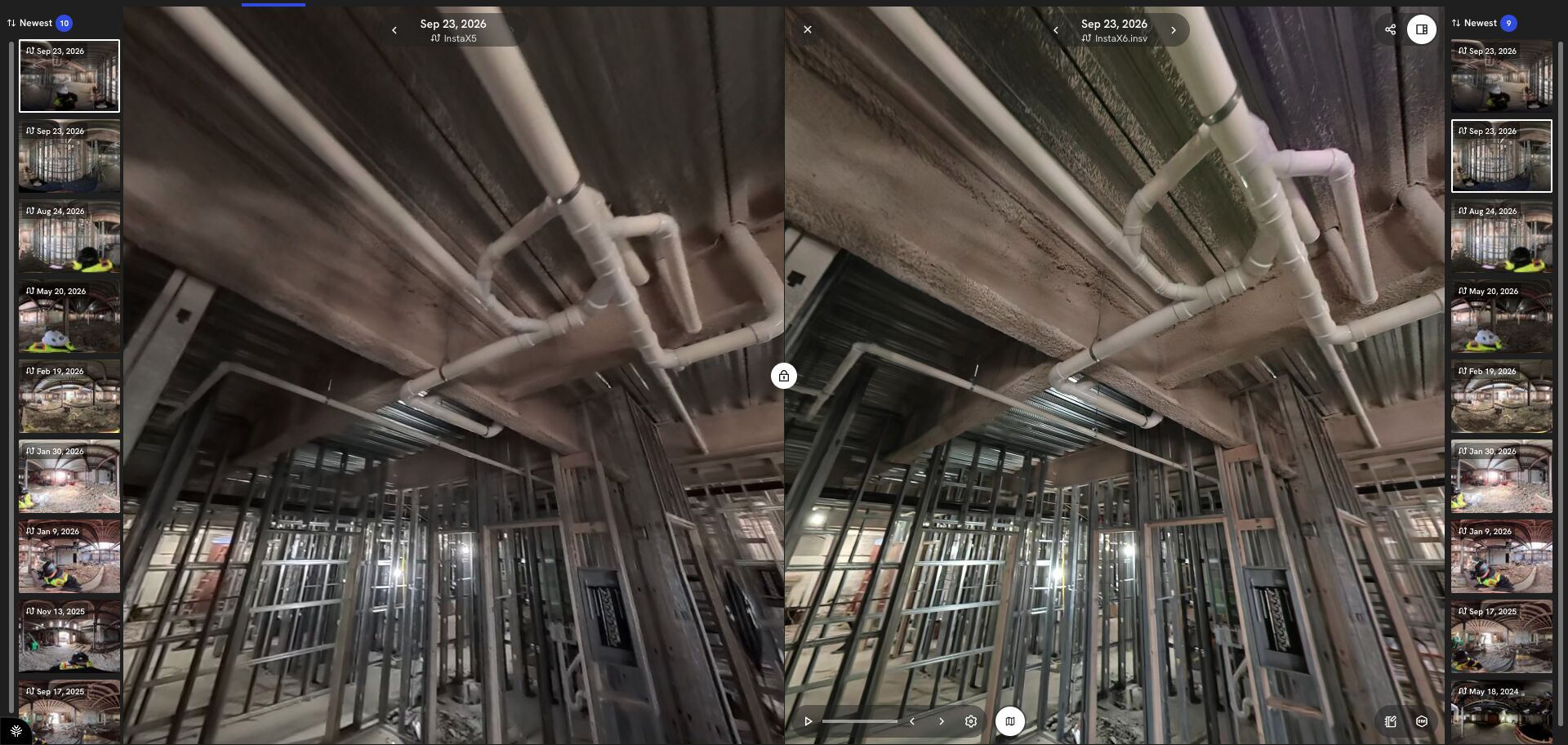
On a well-lit wide open floor plate with no framing up, both walks are clear from end to end. Zoom in and the X6 holds a little more detail and runs slightly brighter.
In good light an X5 walk is a perfectly good record, and a huge step up from earlier models like the X3, however, the real difference with the X6 is clear in low-light environments.
The X6 holds detail in dark areas, and things like cable runs and conduits stay visible instead of dissolving into noise.
In a space with vaulted ceilings, the X5 walk comes out visibly darker as the taller the room and the weaker the light, the bigger that difference gets.
Panos, floors and ceilings
Panos show the biggest difference of anything we captured. Both cameras shoot stationary from the same spot, and the X6 comes back with more color and more resolution.
Our clearest example came from a dark storage room with high ceilings. Text stenciled on the ductwork overhead is readable in the X6 pano at full zoom. That same text is much harder to read in the X5’s pano.
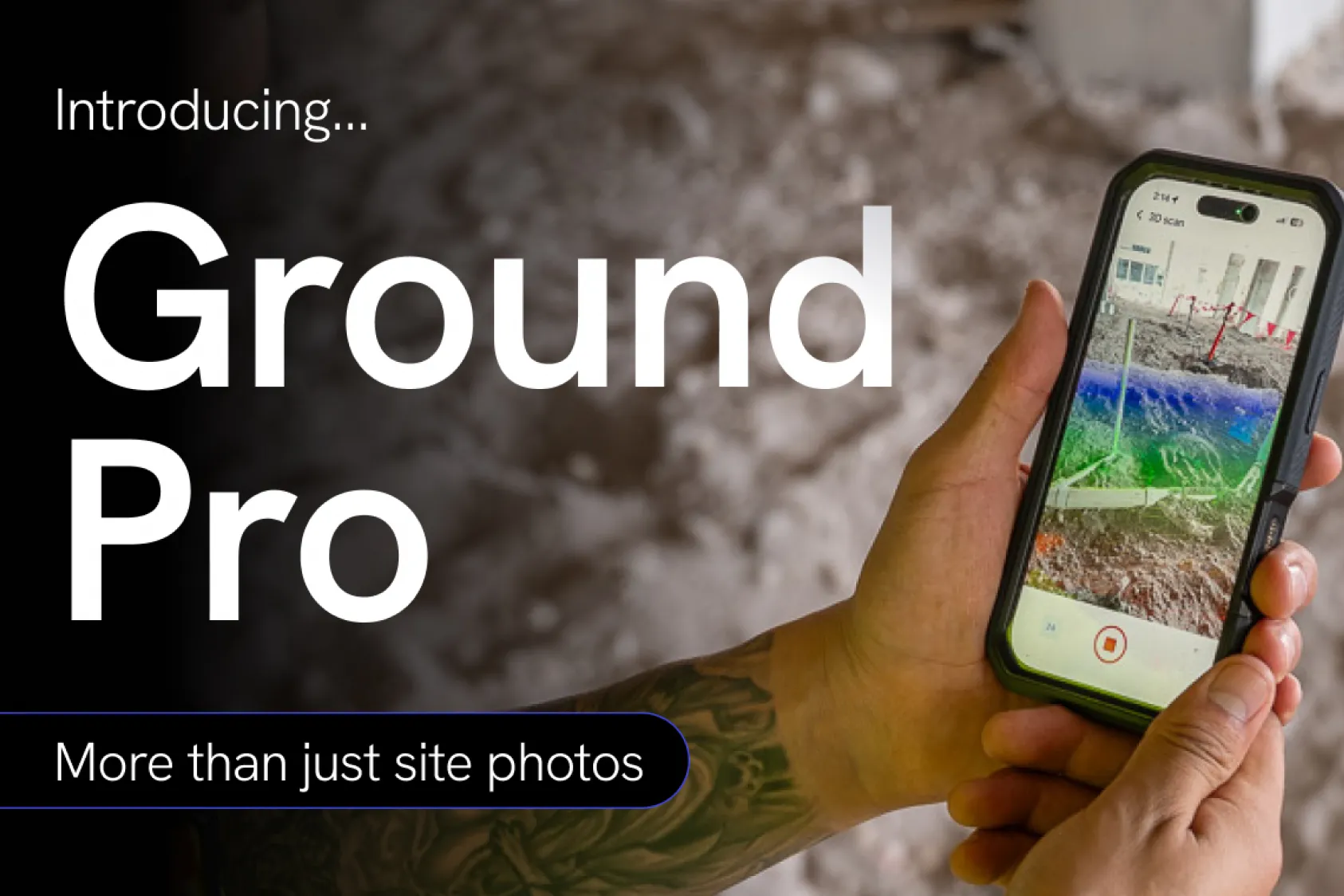
That jump in quality matters when carried into Ground Pro’s floors, and ceilings Better light going in produces a cleaner reconstruction coming out, and overhead detail like plumbing runs holds up in the ceiling views in a way it did not before.
Should you upgrade?
Overall, we strongly recommend that all DroneDeploy Ground customers use the Insta360 X6 going forward.
Here are some more nuanced recommendations, however, depending on what existing models you’re using to capture.
On an X3 or lower, upgrade now. Image quality against the X6 is not close, and if you are on a ONE X, live capture support ends with the September 21 release.
On an X4 or RS1, still consider upgrading. The improvement to the sensor, pano resolution and gaining 8K capture will be worth it.
On an X5, it depends on where you work. The X5 stays fully supported and it is still a capable camera. Upgrade to the X6 if your walks are mostly interior, involve low light areas, or if panos carry weight in how your team documents.
The bottom line
The X6 is our recommended choice of camera. It keeps detail the X5 loses in dark spaces, and the pano resolution is high enough to change what somebody can read months after the walk.
See how project teams document interior conditions with 360 walks aligned to the drawing. Book a demo.
.png)
FAQ
Yes. The X6 works across every capture mode and all processing, including Walks, panos and Ground Pro floors, ceilings and 3D. Support is rolling out gradually, and updating the Ground app from the app store will enable it if you do not have it yet.
Yes. Captures from both cameras can be uploaded into the same project and align to the same drawing, so you can phase X6 units in as budget allows instead of swapping all of your equipment at once.
Related articles
Ready to manage your data from the very start?
Book a quick call to see how DroneDeploy streamlines capture from construction through building ROI.