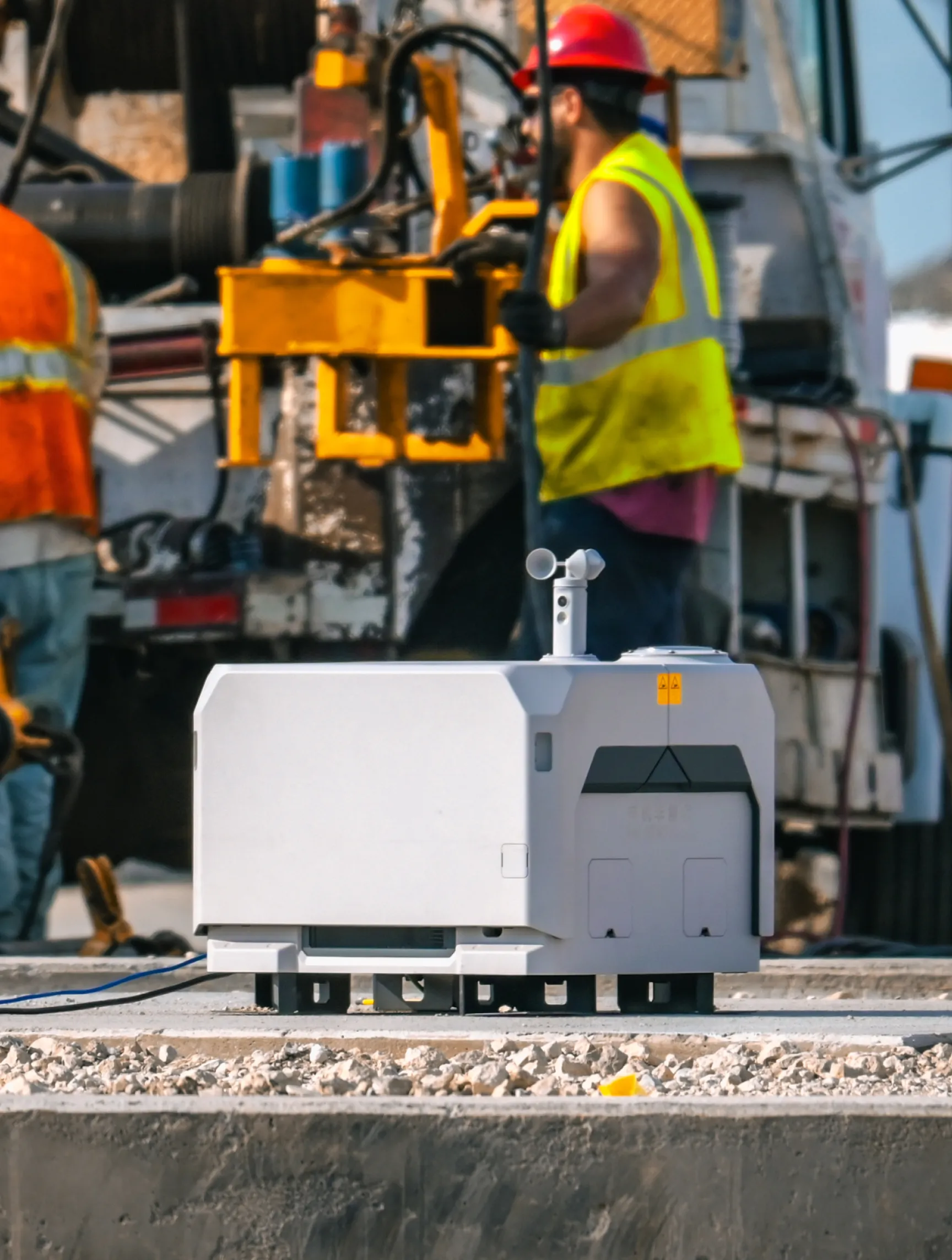
The simplest way to automate your dock
.png)



.png)

.png)

.png)
.png)

.png)
%201%20(2).png)









.png)

.avif)
%20(1).png)
Automation meets simplicity (and security)
How much could DroneDeploy save you?
Build your fleet (or let us do it for you)
Supported hardware
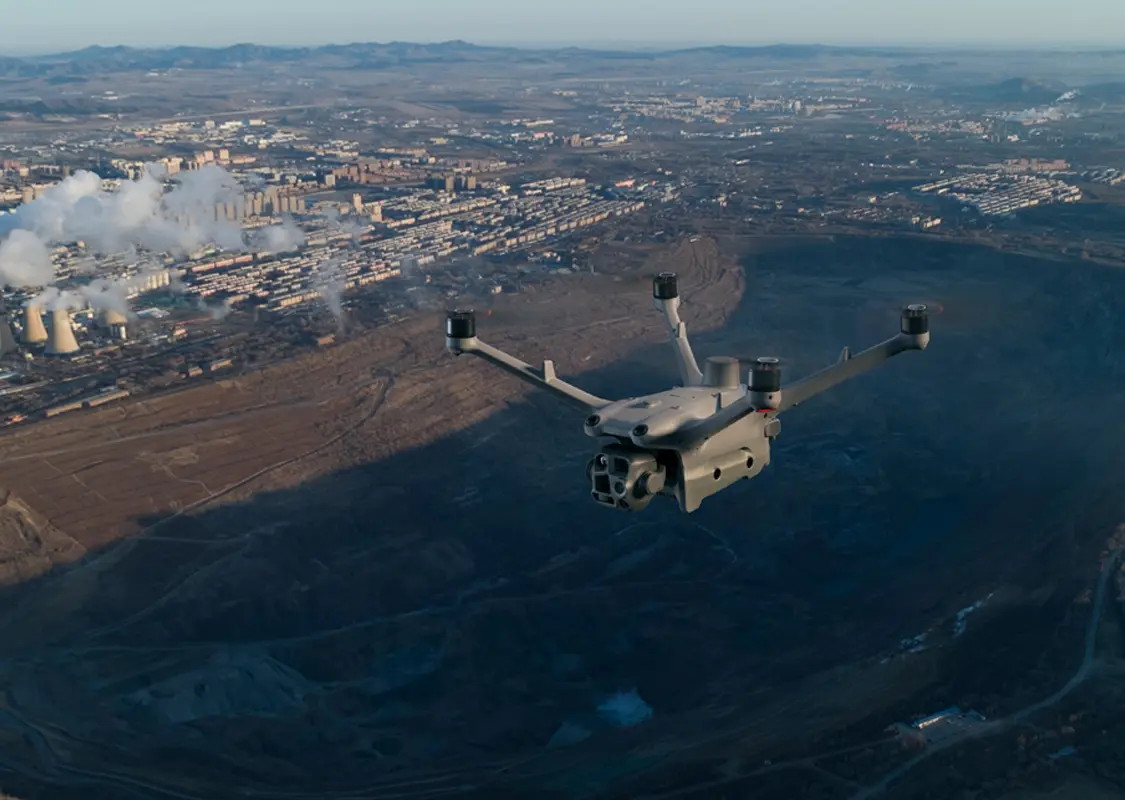
Our processing engine works with data from any camera source and supports automated flights, mission planning, and execution across drones, ground robots, docked systems, and 360 cameras.
Data on demand
Need the data but don't have pilots or hardware yet?
Use our services network to capture key corridors and facilities at the cadence you need, with processed maps, photos and models delivered straight into your DroneDeploy account.
Is DroneDeploy the right fit for your operations?
Operations managers and program directors who need frequent, consistent aerial coverage without deploying a crew for every flight use Dock Automation across construction, energy, mining and infrastructure. It fits site teams running recurring capture schedules, digital operations leads integrating automated data into broader site monitoring programs, and IT and security teams managing hardware compliance for enterprise drone deployments in regulated environments.
Supported docked drone systems are on the Supported Hardware page. The Recommended Docks help article covers compatibility details and setup requirements for each model.
You plan the mission in DroneDeploy – define the area, altitude and schedule. After that, the dock handles launch, flight, capture and upload. See the Dock Automation Overview for a full workflow walkthrough.
Dock Automation is designed for fully unattended operation, including BVLOS missions where permitted. The Dock FAQ covers regulatory requirements for unattended and BVLOS scenarios in the US.
Docked missions deliver equivalent accuracy to manually flown flights. RTK support provides centimeter-level precision. See RTK vs. PPK: making the optimal choice for guidance on which workflow fits your accuracy requirements.
DroneDeploy Firewall routes all dock data directly to DroneDeploy-controlled US servers through an encrypted tunnel. See the Firewall help article for technical details. Unauthorized endpoints are blocked and static IP whitelisting is supported.
Physical installation varies by hardware. The DJI Dock provisioning and setup guide walks through the full configuration process. Once connected, DroneDeploy configuration typically takes less than a day.
Teams set the schedule and can adjust it any time through the platform. Missions can run before the morning shift, after close-out, overnight or at any interval that fits the program. Frequency is adjustable from the platform at any time.
DroneDeploy monitors conditions and airspace in real time. Geofencing for docked drones provides additional airspace controls for complex operating environments. Missions that cannot proceed are held and rescheduled or flagged for review.
Data from docked missions runs through Safety AI and Progress AI the same way manually flown data does. Automated capture means automated analysis – no additional steps between the dock and the report.
Wadman Corporation reduced a $396K change order to $150K by having more regular, accurate maps from a docked program. Bartlett Cocke general contractors reported 50% greater efficiency. The clearest returns come from early issue detection, reduced crew time on routine capture and fewer documentation gaps in the record.
Getting started is simple. Request a demo today.