DroneDeploy
Onboarding Guide
How to get set up with DroneDeploy as a new customer
STEP 1
Create an account
Create your DroneDeploy account in under a minute. No credit card required to start your trial.
Get started by creating an account.
Does your company already have an account?
Don’t know who your company’s DroneDeploy admin is?
Email DroneDeploy Support from your company email to find out.

STEP 2
Set up your project
Create your DroneDeploy account in under a minute. No credit card required to start your trial.
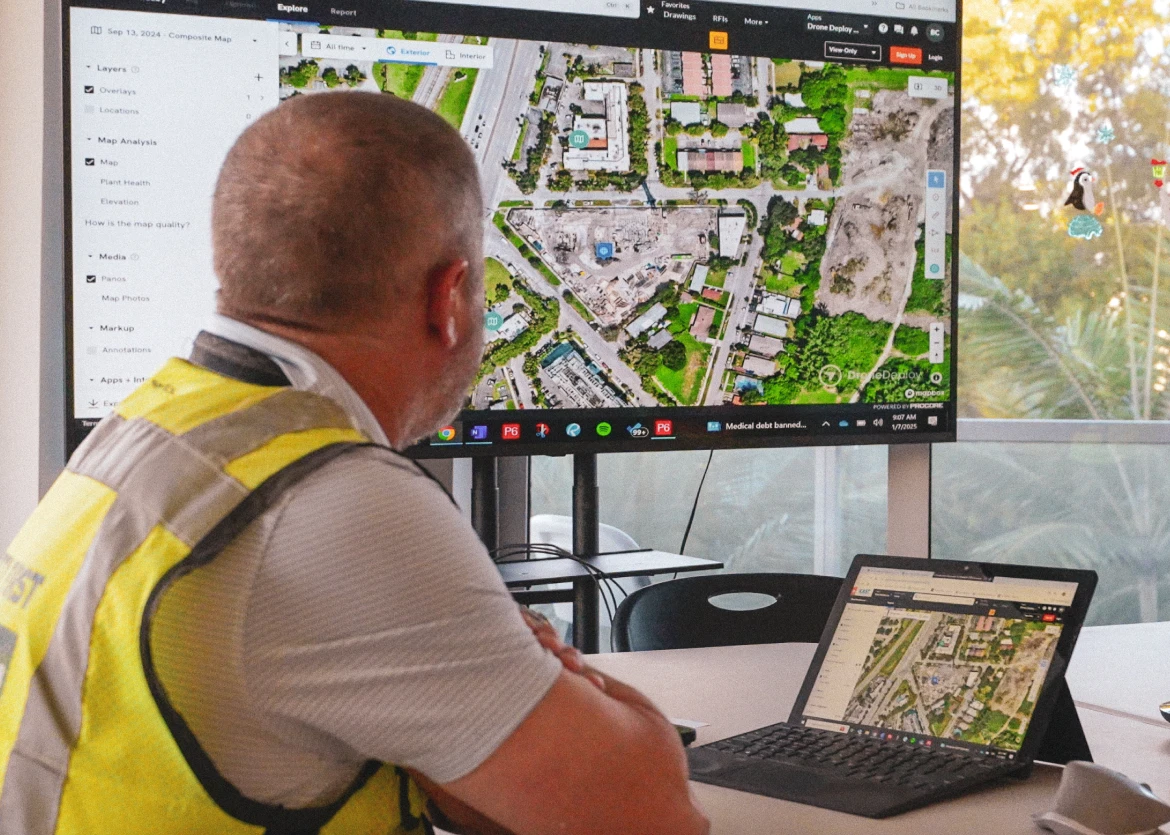
Next, set up your DroneDeploy project. This how-to video will walk you through it step by step.
How to set up your DroneDeploy project
3 min
STEP 3
Learn how to capture
Whether you’re planning to capture with drones or 360 cameras, watch the following tutorials to get up to speed in 3 minutes. If you don't have hardware yet, read our buyer's guide for recommended hardware and visit our support articles for all supported drones and 360 cameras.
DroneDeploy Aerial
3 min

DroneDeploy Ground
3 min

Continue learning
From official certifications to support, we've got you covered.
DroneDeploy Academy
Head over to DroneDeploy Academy for our long-form courses, tutorials and certifications.
Ask questions
The DroneDeploy Help Center is the best place to find the answers to your questions, as well as the latest release notes, our live training calendar and in-depth resources on all DroneDeploy features and integrations.

STEP 4
Get site ready
Let us fly for you
With DroneDeploy's Data on Demand team, you can simply request a flight and a professional, certified pilot will handle the capture for you.

On-site trainings
Reach out to your Customer Success Manager to learn more about our in-person group Part 107 trainings and best practice on in-depth high accuracy workflows.
.JPG)
STEP 5
Learn from your peers
Hear directly how other companies in your industry are using the platform today.
DroneDeploy Insider
Discover use cases, watch virtual events, download playbooks and get to know our team through our content at DroneDeploy Insider.

Need further assistance?
Get support