What to look for in construction quality control software (and what most platforms get wrong)
.svg)
Quick Summary
Construction quality control software replaces paper checklists and scattered photo folders with digital workflows for inspections, deficiency tracking and compliance documentation. Structured QC processes reduce rework and improve project outcomes. This guide covers what to look for when evaluating platforms and how visual documentation fits into QC workflows.
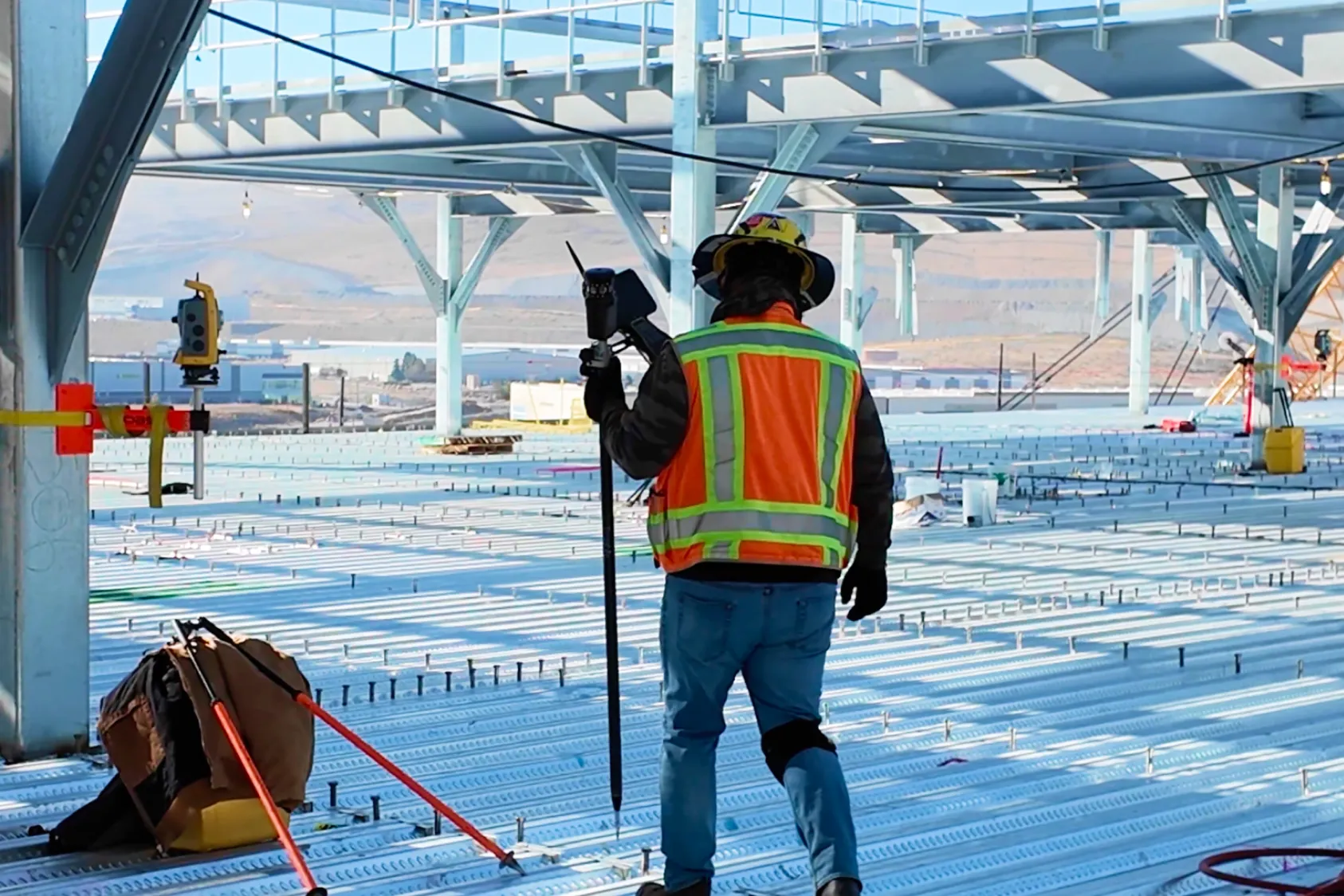
For teams already using reality capture on construction sites, QC software connects that visual record to inspection and verification workflows.
What is construction quality control software
Construction quality control software streamlines site inspections, defect tracking and compliance by replacing manual, paper-based processes with digital, cloud-based workflows. Teams use mobile apps to create punch lists, track non-conformance reports (NCRs) and share timestamped photos for real-time reporting across projects.
Effective construction photo documentation is central to any QC workflow. At its core, QC software gives you a structured way to document whether installed work meets specifications.
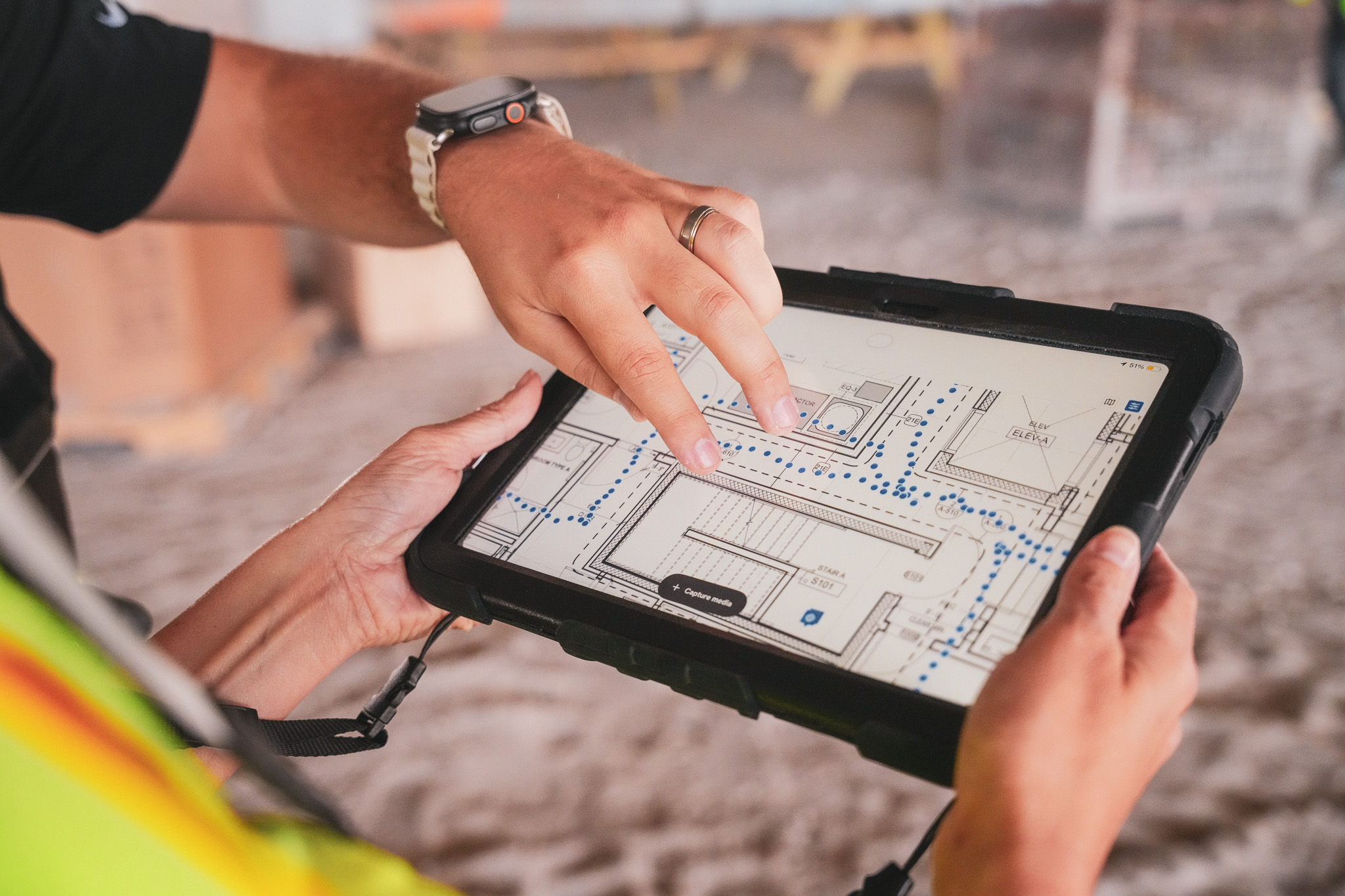
Instead of a superintendent walking a floor with a clipboard and typing notes into a spreadsheet, the inspection happens on a tablet. Photos attach to specific locations. That record lives in one place where the project team, trade partners and owners can all reference it.
The system organizes documentation by date, location and work type.
- Inspection management: Digital checklists tied to specific work items, locations and phases
- Deficiency tracking: Logging issues, assigning responsibility to trades and tracking resolution through closeout
- Photo documentation: Timestamped visual records organized by date and location
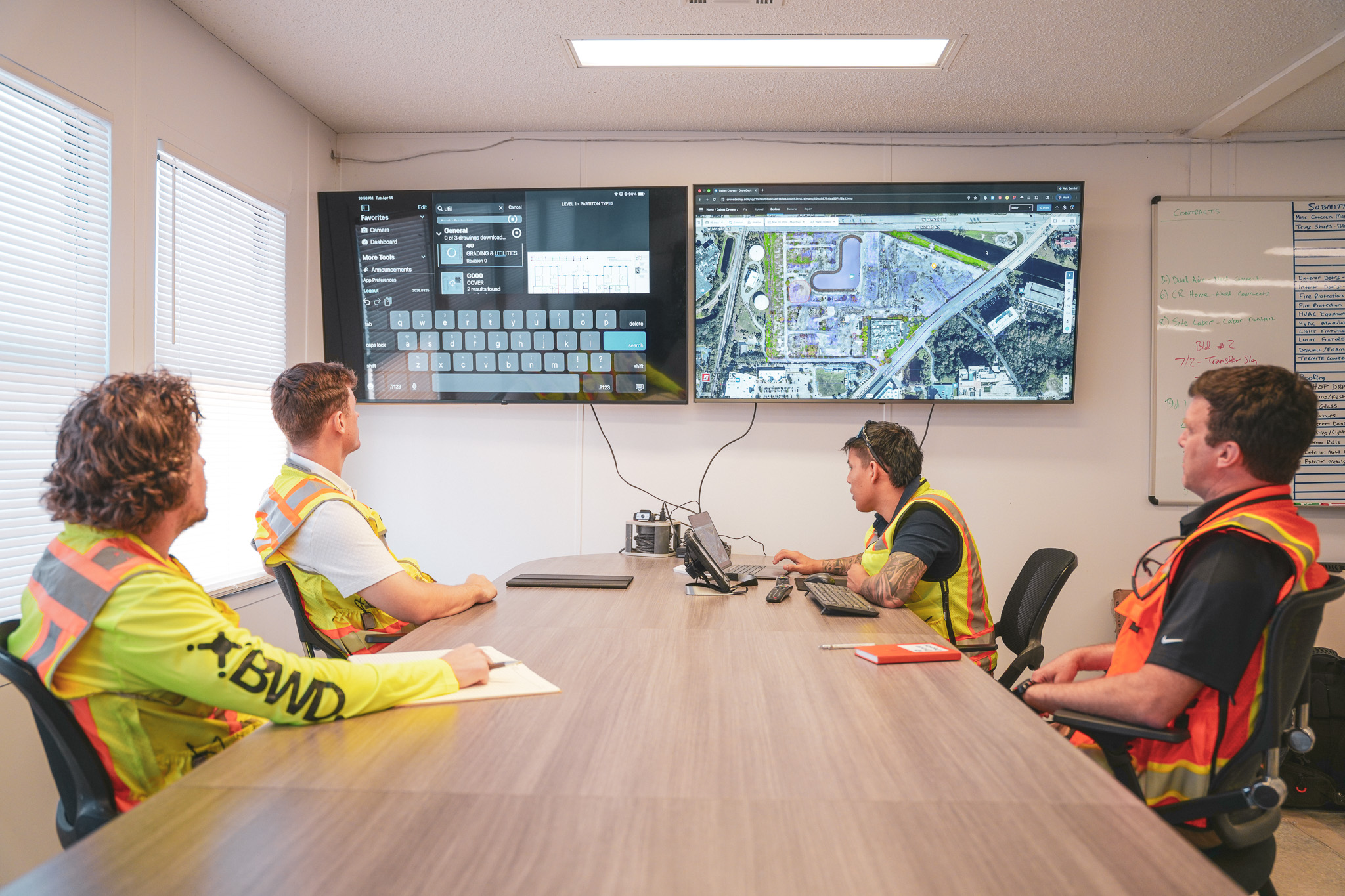
Why construction quality management software matters
For smaller projects with experienced crews, paper-based QC often works fine. As project complexity increases or you're running multiple sites, the gaps become harder to ignore. Digital systems create permanent records that teams reference throughout the project lifecycle.
Reducing rework and deficiency costs
Catching issues before work gets covered prevents costly tear-out. When framing gets documented before drywall goes up, you have a record to verify blocking locations, fire-stopping and in-wall conditions. If something gets missed, you find it while the wall is still open rather than after finishes are complete.
Creating defensible documentation for disputes
Timestamped records with location data provide evidence during claims or change order negotiations. When a subcontractor disputes a deficiency or an owner questions work completion, photos and inspection records create an audit trail. That record shows what was done, when and where.
Standardizing quality across multiple projects
A quality management system for construction helps organizations apply the same inspection standards across different jobsites and crews. When QC checklists live in a shared platform, a superintendent in Denver uses the same verification process as a team in Phoenix. Standards stay consistent regardless of location or crew.
Key features to look for in QC software
Not every platform handles QC capabilities the same way. Here's what to evaluate when comparing options.
Inspection checklists and digital forms
Look for customizable checklists that you can tailor to different trades and phases. You add photos, notes and a pass/fail status to each inspection item. Some platforms offer template libraries for common inspection types like concrete pours, MEP rough-in or fire-stopping.
Punch list and deficiency tracking
You log issues, assign them to responsible parties and track them through resolution. Key features include setting due dates, receiving notifications when items are addressed, and generating reports showing open versus closed deficiencies.
Photo and video documentation
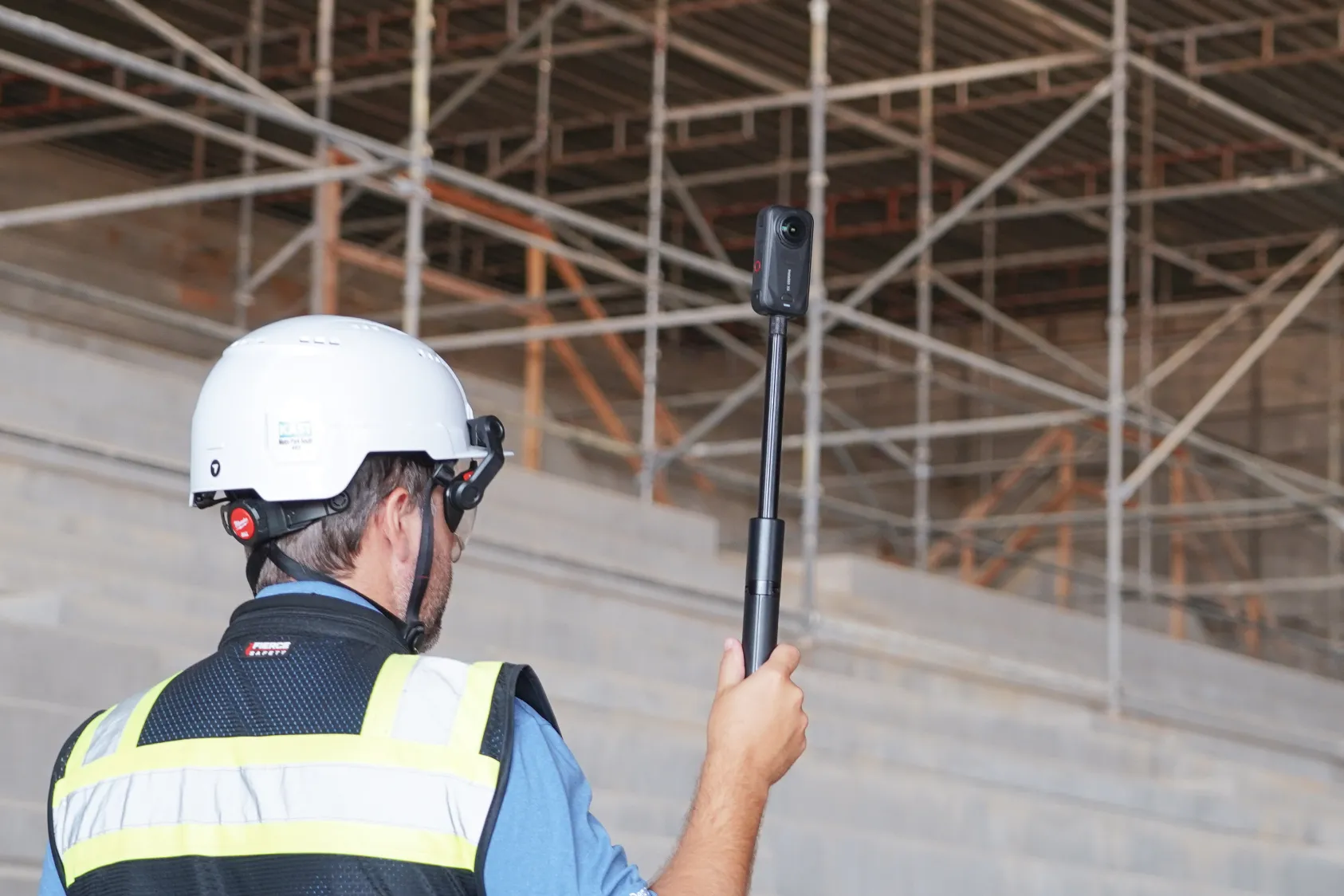
Photos organize automatically by date and location. You annotate images and attach them to specific inspection items. Some platforms integrate with 360 cameras, allowing you to capture entire rooms in a single shot rather than taking dozens of individual photos.
Reporting and analytics dashboards
You generate summary reports for project status, open deficiencies and inspection completion rates. You filter by trade, location or date range and share reports directly with owners and stakeholders without exporting to separate documents.
Mobile access for field teams
Apps that work offline and sync when connectivity returns are essential. Field crews capture data where the work happens, and cell service on active jobsites is often unreliable. If your superintendent has to wait for a signal to log an inspection, the tool won't get used.
See how other builders are tackling QC on site:
Integration with project management platforms
Look for connections to tools like Procore, Autodesk and document storage systems. Data flows into existing workflows alongside RFIs, submittals and daily logs. QC records live alongside RFIs, submittals and daily logs in one location.
- Digital checklists: Replace paper forms with mobile inspection tools to ensure consistent standards across crews.
- Deficiency tracking: Log, assign and monitor issue resolution to improve accountability and follow-through.
- Photo documentation: Timestamped visual records organized by location provide evidence for disputes and handover.
- Reporting: Automated summaries and dashboards provide visibility for all stakeholders.
- Mobile access: Offline-capable field apps allow teams to capture data where work happens.
- Integrations: Connect to PM and storage tools for centralized project documentation.
How to choose the right construction quality control software
While features matter when evaluating QC software, adoption matters more because the best platform is the one your team actually uses. Look at how the software fits your current workflows and whether field crews will find it intuitive enough to use daily.
Ease of adoption for field crews
QC software only delivers value when superintendents and foremen actually use it in the field. Look for intuitive interfaces that don't require extensive training. If a tool takes more than a few minutes to learn, field teams will default back to their phones and email.
Flexibility for different project types
Evaluate whether the platform handles your project mix. A commercial GC building tenant improvements has different inspection requirements than an industrial contractor working on a water treatment plant. The platform handles different inspection requirements across project types.
Data security and ownership
Ask where data is stored, who owns it and what security certifications exist. Enterprise teams with specific IT requirements often look for SOC 2 compliance, single sign-on and control over data retention policies. Confirm access controls match your company's security standards.
Vendor support and training resources
Consider the onboarding support, documentation and responsiveness of the vendor. Vendors with onboarding support and documentation help teams get started and troubleshoot issues. Teams benefit from help getting started and troubleshooting issues.
How visual documentation strengthens quality control
QC software handles checklists and deficiency tracking. Visual documentation provides the evidence that backs up those records. When the two work together, inspection records reference visual documentation showing what was installed and when.
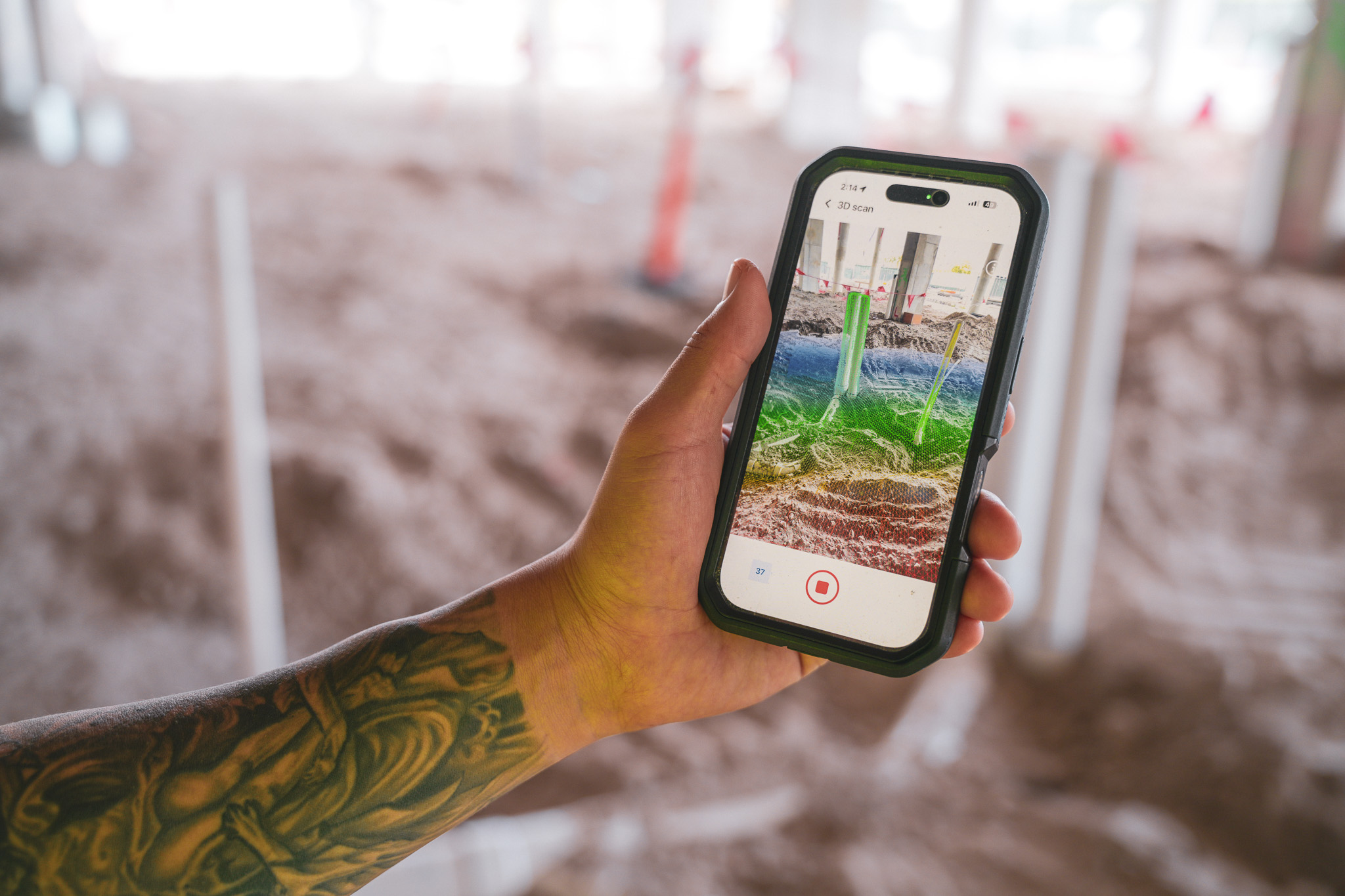
Capturing work before it gets covered
Underground utilities, in-wall conditions and structural elements disappear once the next phase begins. 360 cameras and drones create complete visual records for verification before concrete is poured or drywall is hung. 360 site capture keeps documentation organized and accessible throughout the project.
Teams capture conditions as part of their regular site documentation, then reference those images when questions arise months later.
Timestamped evidence for dispute resolution
Geolocated, time-stamped imagery provides objective proof of site conditions at specific moments. When a subcontractor claims work was complete or an owner questions a deficiency, the visual record tells the story. Photos tied to dates and coordinates provide evidence without interpretation.
Remote verification without site visits
Owners, architects and remote team members can review conditions without traveling to the site. A 360 walkthrough captured on Tuesday morning can be reviewed by an owner's rep in another city that afternoon. Remote team members review conditions without traveling to the site.
Quality control workflows by construction phase
QC requirements shift as the project moves through different phases. Here's how documentation typically aligns with the work.
Preconstruction and existing conditions
Document site conditions before work begins. Preconstruction software helps establish a baseline through aerial surveys, existing structure scans and discovery walks. If there's a dispute later about pre-existing damage or site conditions, you have a record from day one.
See how you can utilize reality capture to secure the bid in preconstruction:
Substructure and underground documentation
Capture utilities, foundations and below-grade work before backfill. This documentation prevents future disputes about what was installed and where. A photo of a sleeve location taken before concrete is poured is worth far more than a markup on a drawing.
Structure and MEP verification
Conduct pre-pour inspections, document steel connections and verify mechanical rough-in. Compare installed work against design intent to catch deviations before they become expensive fixes. Teams verify installations match shop drawings before proceeding to the next phase.
Interior finishes and punch lists
Track deficiencies room by room. 360 walks create complete interior records for finish verification and punch list creation. A superintendent can capture an entire level in an hour and review it later with the project team.
Closeout and handover records
Compile a complete as-built documentation package for owners. This provides an organized visual history of the project from start to finish, which becomes valuable for facility management and future renovations. Owners receive timestamped records showing how the building was constructed.
Implementation considerations for QC software
Rolling out new software on active projects requires planning. Here are practical steps to improve your chances of success.
- Start with one project: Pilot the system before an enterprise-wide rollout to learn what works for your teams
- Involve field leadership early: Superintendents and foremen shape adoption success more than anyone in the office
- Define your inspection standards: Build checklists that reflect your actual quality requirements rather than using generic templates
Building a quality control program that scales
Aerial and ground-level documentation feed into one quality record, referenced across the portfolio from a single system. Construction progress tracking keeps every phase connected to that record. The QC process works the same way whether you're running one project or fifty.
Next steps:
- Audit your current QC process and identify gaps in documentation and inspection consistency
- Evaluate platforms against your specific project types and integration requirements
- Request demos from vendors to see how the software handles your actual workflows
Book a demo to see how teams document quality across jobsites.
.png)
FAQ

Ready to learn more?
Contact sales to see how DroneDeploy can give your teams the power to document and analyze your sites from the air and ground – all in one AI-powered platform.