How construction photo management software turns progress photos into hard data
.svg)
.png)
Quick Summary
Modern construction photo software turns disconnected progress photos into a structured, location-based record of your jobsite. Every capture is time stamped, mapped to a plan location and organized into a project timeline, so teams can click a room and see exactly what was built there and when. The result is faster answers, stronger documentation for inspections and claims and better control of schedule and risk using photos your teams already take.
There is always a moment on site when someone asks:
“What was here before we poured this slab or closed this wall?”
Most teams technically have the photos to answer it. They just can’t find them.
Images live on personal phones, random SharePoint folders and poorly labeled network drives. There is no consistent and defensible way to prove where it was and when it happened.
Construction photo management software exists to fix that. Done right, it pulls every site photo, 360 walkthrough and drone capture into one platform, anchors each image to a location, a plan and a date, turning your visual history into defensible evidence for progress, safety and quality without adding a new admin task for the field.
.png)
What construction photo software does on active jobsites
On a live job, construction photo management software acts like a visual recordkeeper, not just storage.
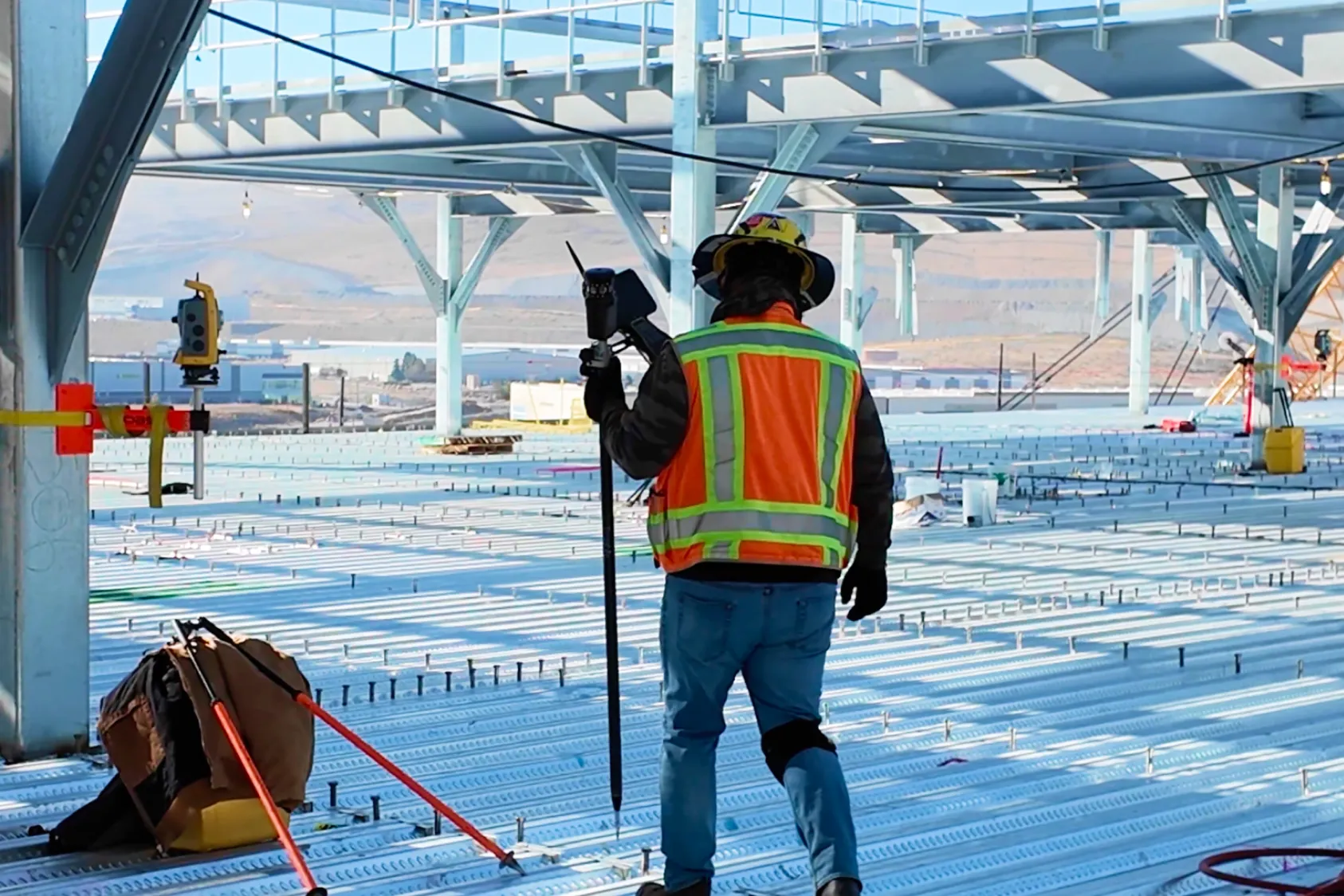
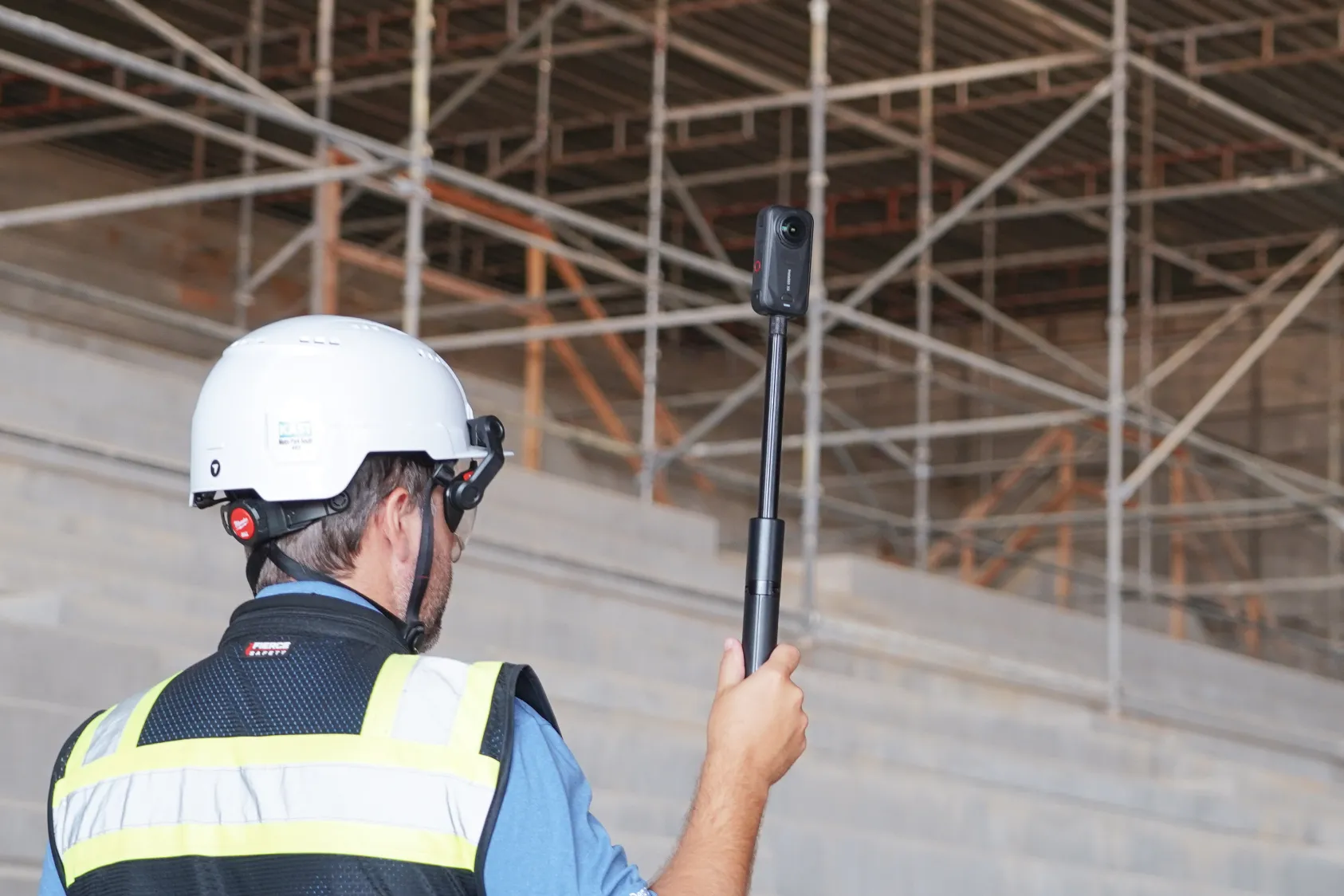
Supers and inspectors take photos on their phones. Foremen or VDC teams walk 360 cameras through floors and corridors. Drones capture the exterior on a regular schedule. Instead of landing in separate folders or devices, everything uploads into a single project space.
The system time stamps each image, attaches coordinates and geolocates it on plan sheets or a site map. Over time, that builds a visual timeline of your project. You do not see a folder called “Level 7 – misc pics.” You see a clickable floor plan where each room has its own photo history.
Open a project, click a location and scroll back in time through preconstruction, earthworks, pre-pour, pre-cover, post-punch and turnover conditions. That structure is what turns a pile of photos into a job record.
See construction photo management software in action.
Why location-based photos drive project control
Most schedule risk hides in places you cannot see clearly.
When photos are organized by location and date, you can check actual conditions instead of relying on memory or subjective updates. A superintendent can confirm if in-wall rough-in was complete before a cover inspection. A project manager can scroll through captures to see when access was blocked. An owner can review progress by floor without waiting for a slide deck.
Because every image is fixed in time and space, the photo record also becomes a neutral reference in tough conversations. Disputes about damage, delays or scope changes shift from opinion to evidence.
The question stops being “Do we have a photo?” and becomes “What do the photos show for this area on this date?”
.png)
What modern construction photo management looks like
Capture that matches how crews work
If capture feels like extra work, it will be inconsistent. The right software fits into how crews already move through the job.
Field teams still use the phones, 360 cameras and drones they already have. The difference is that everything flows into the same project instead of separate silos, and the system adds structure automatically. Common workflows include:
- Pre-pour photos for slabs, decks and foundations
- In-wall and above-ceiling MEP documentation before cover
- Weekly 360 walks per floor for progress and coordination
- Exterior drone flights for earthworks progress tracking, façade inspections, roofing and site logistics
- Safety walks that document access, protection and housekeeping
As soon as images upload, the system tags them with time, location and uploader, so no one is renaming files or searching through folders.
On-plan capture keeps it simple. A superintendent taps the room or gridline in the app, takes a photo and moves on. The software places that image on the correct sheet automatically.
Offline capture is critical. Supers need to walk remote or congested sites, shoot everything they need, then sync when they are back on Wi-Fi or cell coverage. In the field, it should feel like normal photo taking, with all the organization handled in the background.
.png)
Finding the right photo in under a minute
If you cannot locate a key image in under a minute, the system is not helping when it matters.
Modern photo software turns retrieval into a search problem, not a digging problem. In an unified system, you start from the plan, click a room or elevation, then narrow down by date range, milestone, trade, tag or uploader.
When needed, AI can recognize what is in the photo itself – scaffolds, MEP rough-in, finishes and more – to cover gaps where human tagging was missed.
In practice, you might click “Level 7,” select the east corridor, flip to your “pre-rock” map and instantly see every 360 and progress photo taken in that zone. During OACs, inspections or claims, that speed is the difference between “we think” and “here is exactly what was here on this date.”
A built-in viewer with high-resolution zoom and 360 navigation in the browser lets you answer most questions on the spot without downloading files or opening extra tools.
Connecting photos to your construction tech stack
Photo management should not become another isolated system.
On well-run projects, imagery moves with the rest of the data. The same photos that document work in the field should sync into platforms like Procore or Autodesk Construction Cloud, attach directly to RFIs, inspections, observations, punch items and change orders, and feed progress reports without copying and pasting.
When supers, project engineers and PMs all reference the same visual record, that map or gallery becomes the common source for progress, delays and scope. You stop emailing screenshots. You start pointing everyone to a single view that combines images with structured project data.
Reality capture platforms that handle aerial maps, 360 walkthroughs and ground photos in one place make this easier, because every image is already tied back to location and time.
.png)
Using photos for quality, compliance and dispute protection
The real payoff shows up when something goes wrong or comes into question.
Quality issues, safety investigations and disputes all come down to proof. With a structured photo record, the conversation moves from “Can you prove it?” to “Does this proof satisfy the requirement?”
Standardized capture removes guesswork. You can require visual documentation at milestones like pre-pour for foundations and slabs, in-wall and above-ceiling MEP before cover and firestopping, waterproofing and envelope checks. Over time, you build a repeatable set of photo checkpoints that inspectors and owners recognize.
Instead of digging through old email threads and text messages, you open the job, click the area in question and scroll back to see exactly what was in place at the time.
Turning photos into measurable progress and safety insights
Once your images are organized by time and location, they can do more than settle disputes.
Photo management platforms increasingly pair with AI tools that analyze what is in each frame. They detect installed work such as framing, MEP rough-in, drywall and finishes, compare captures over time and show progress by trade, floor or zone.
The same images can be scanned for safety risks like missing guardrails, open edges or PPE gaps during routine 360 walks. You get continuous safety checks without adding manual inspections.
Because the AI runs on photos and 360s your teams already capture, you get progress dashboards and safety heatmaps without asking supers to fill out more forms. At the project level, you see which areas are slipping and which trades are driving rework. At the portfolio level, you start to see patterns in how certain scopes, subs or sequences affect quality and safety.
Your photo history stops being a static archive and becomes a live data set for performance.
What to look for when evaluating construction photo software
Not all photo tools are created equal. When you compare options, focus on a few core criteria.
- Unified capture
One platform should handle aerial, ground and 360 capture in a single project space. Separate tools for each workflow almost guarantee gaps. - Integration and fit
Photos need to show up inside your project management and document control systems, not in a standalone silo. Look for direct integrations with Procore, Autodesk and other tools your teams already use. - Field usability and governance
Supers need offline support, clear on-plan tagging and a simple, glove-friendly interface so they can capture while walking. Enterprise teams need SSO, role-based access and clear terms around data ownership and export.
For rollout, keep the first phase narrow. Start with one pilot project that has active interiors or complex underground work. Define two or three required photo workflows – for example, pre-pour, pre-cover and weekly 360s per floor – and run them consistently for a month.
Then document the hours saved on daily reports, inspection prep and RFI responses and show those results back to the team. Once superintendents see they can answer “What was here, and when?” from their laptop in seconds, expanding to more scopes and projects becomes a straightforward decision.
Make your project photos the single source of reality
Construction photo management software is not about taking more pictures. It is about getting more value from the photos you already capture.
When project images are centralized in one platform, anchored to plans and schedules and searchable by location, date and content, they support faster decisions, fewer disputes, less rework and better control of schedule and cost.
If your current state is “photos everywhere,” the next step is simple. Pick one pilot, standardize a small set of photo workflows and run them through a unified photo management platform.
Once your teams experience what it is like to answer job questions in seconds instead of hours, your visual record will naturally become the source of truth on every job.
-p-1600.png)
FAQ
FAQs about construction photo management software
How is construction photo software different from using SharePoint, Box or Google Drive?
Generic storage holds files. Construction photo software organizes by floor and room, supports plan-based navigation, applies search and AI and ties images directly to RFIs, inspections, punch items and change orders.
Why does organizing photos by location and time matter?
It creates a jobsite timeline. You can answer questions about progress, quality and safety by clicking a location and date instead of digging through folders or relying on memory.
How does this help with inspections and code compliance?
You set repeatable photo checkpoints at milestones like pre-pour, pre-cover, firestopping and waterproofing. Inspectors see a clear, time-stamped visual record of what was installed where, which simplifies approvals and follow-ups.
Can it save time on daily reports?
Yes. Many systems automatically pull the last 24 hours of images, map them to plan locations and attach them to reports. Documentation becomes a byproduct of normal walks, not a separate task at the end of the day.
How does AI improve progress tracking from photos?
AI recognizes elements like framing, MEP rough-in, drywall and finishes in your captures, then summarizes install status and percent complete by area and trade based on the photos your teams already take.
How can visual AI support safety teams?
Visual AI scans routine photos and 360s for hazards like missing guardrails, open edges and PPE issues, then maps them by location so safety teams can spot patterns and address root causes instead of isolated incidents.
What happens when there is a dispute or claim?
You open the project, click the location and scroll back to the relevant date. Time-stamped images show existing conditions, access and impacts, which is far more reliable than memory or pieced-together screenshots.
Does construction photo software integrate with Procore and Autodesk?
Leading platforms integrate with tools like Procore and Autodesk Construction Cloud so photos live alongside RFIs, observations, inspections, punch items and change orders rather than in a separate silo.
Will it work offline on remote or congested sites?
Field-ready systems support offline capture and tagging. Crews can walk, shoot and place photos on plans without signal, then sync automatically once they have coverage.
Ready to learn more?
Contact sales to see how DroneDeploy can give your teams the power to document and analyze your sites from the air and ground – all in one AI-powered platform.