How construction teams use logistics software to reduce site congestion
.svg)
Quick Summary
Construction logistics software helps field teams schedule deliveries, assign staging areas and coordinate site access. Materials arrive when and where crews can actually use them. Instead of managing delivery windows through phone calls and whiteboards, teams work from shared schedules.
These schedules show who's coming, when they're arriving and where they're unloading. This article covers what the software does and how to set up delivery coordination. It also explains how visual documentation from platforms like DroneDeploy supports logistics decisions throughout a project.
Construction logistics fails when the plan doesn't match what's on site. Staging zones get claimed before the scheduled delivery. Gate access conflicts with a crane pick. Materials land where crews can't use them.
The morning catch-up costs time that can't be recovered.
Construction logistics software gives teams shared visibility into delivery schedules, site access and staging zones so materials arrive when and where crews can use them. Platforms like DroneDeploy Aerial and DroneDeploy Ground bring aerial and interior capture into one system to support these decisions. This article covers what the software does, how to coordinate deliveries and how visual documentation supports logistics decisions across the project.
What is construction logistics software
Construction logistics software is a digital tool that coordinates material deliveries, equipment drops and trade arrivals across active jobsites. The software coordinates every delivery with a scheduled window, an assigned entry point and a designated unloading spot. The software replaces the whiteboard in the trailer with a shared system where superintendents, project managers, suppliers and subcontractors all see the same information.
Most platforms handle a few core functions. According to research on construction logistics software adoption, implementation costs are often offset by efficiency gains within 12–18 months.
- Delivery scheduling: Teams book time slots for concrete pours, steel deliveries, equipment drops and trade mobilizations
- Site access coordination: Gate assignments, crane time and hoist availability get managed in one place
- Staging area allocation: The system tracks which zones are available, what's stored there and when space opens up
- Notifications: Stakeholders receive alerts when deliveries are confirmed, delayed or rescheduled
Why site visibility drives better logistics planning
Logistics decisions depend on knowing what the site looks like right now, not what it looked like last week. Conditions shift daily as pours complete, scaffolding goes up and trades move through different areas. A staging zone that worked on Monday might be blocked by formwork on Friday.
Without current visibility, logistics coordinators work from assumptions that may no longer match reality.
Staging areas and access points change daily
Every completed pour, every scaffold erection and every material delivery changes the available space on site. The laydown area you planned for mechanical equipment might now have rebar staged for the next deck.
Space that looked open on the logistics plan gets claimed by materials that arrived ahead of schedule. Without current visibility, coordinators make decisions based on conditions that no longer exist.
When the site changes faster than your logistics plan, deliveries show up to spaces that no longer exist. Trucks idle at the gate while superintendents scramble to find alternative staging. This creates a ripple effect that delays crews waiting on those materials.
Progress data informs delivery timing
Knowing which areas are complete helps teams sequence deliveries correctly. Progress AI shows whether a floor is ready to receive materials or still needs work.
If the second floor deck isn't poured yet, scheduling drywall delivery for that level creates problems because materials arrive before the area is ready. Materials that arrive before an area is ready require double-handling, risk damage and create congestion in staging areas.
Remote stakeholders need current conditions
Project managers, suppliers and subcontractors working offsite coordinate their schedules based on what they're told about site conditions. When that information is outdated, deliveries show up at the wrong time or to the wrong location.
Trucks wait for gates that are blocked, or materials land in staging areas already occupied by other trades. Weekly drone flights or 360 walks give remote teams the same view that field staff have.
Suppliers can see where their materials will stage before dispatching trucks. Project managers can verify site conditions without driving to the jobsite.
Core features of construction site logistics software
When evaluating platforms, look for capabilities that match how your team actually works. The basics include scheduling, notifications, documentation and integration with your existing tools.
Each feature addresses a specific coordination challenge that field teams face daily. The table below breaks down what each capability does.
FeatureWhat it doesDelivery schedulingBooks time slots and flags conflicts before they happenReal-time notificationsPushes alerts for arrivals, delays and gate changesVisual documentationCaptures current conditions to verify available spaceIntegrationsConnects with Procore, Autodesk and other project tools
Delivery scheduling and conflict prevention
The scheduling function lets teams book delivery windows and immediately see when conflicts exist. If two concrete trucks are scheduled for the same gate at the same time, the system flags it before anyone shows up.
This visibility prevents the morning scramble of figuring out who goes first. Coordinators can adjust schedules before conflicts become problems on the ground. The system maintains a record of all scheduled deliveries so teams can reference what was planned versus what actually arrived.
Real-time site updates and notifications
Push notifications keep everyone informed without requiring phone calls or texts. When a delivery is confirmed, delayed or rescheduled, the relevant parties get an alert.
Gate guards know who's coming, superintendents know when to expect materials and suppliers know if they need to adjust their timing. This eliminates the back-and-forth phone calls that eat up time in the morning. Everyone stays informed without having to chase down updates.
Visual documentation and photo records
Captured imagery shows actual staging conditions and access routes. Aerial maps reveal the full site layout while ground-level 360 walks document interior conditions.
This visual record becomes the reference point for logistics decisions, especially when coordinating with people who aren't on site. Teams can pull up imagery from any date to verify what conditions looked like when a delivery was scheduled. The documentation also supports dispute resolution if questions arise about staging or access.
Integration with project management tools
Logistics data flows into existing systems like Procore and Autodesk so teams work from one source. Learn how the DroneDeploy and Procore integration keeps delivery schedules and documentation organized automatically by date and location.
This eliminates manual data entry and reduces the chance of information getting lost between systems. Teams work from one source of truth instead of reconciling multiple platforms.
How construction logistics software reduces site congestion
Coordinated logistics directly affects site flow. When deliveries are scheduled, staged and sequenced correctly, materials move through the site instead of piling up at the gate.
Crews spend less time waiting for materials and more time installing them. The following sections cover specific ways the software reduces congestion.
See how other builders are using logistics software to improve the way they build:
Preventing delivery overlaps and conflicts
Shared scheduling visibility stops multiple trucks from arriving at the same gate during the same hour. The system shows what's already booked, so coordinators can space out arrivals and assign different entry points when needed.
This prevents the bottleneck of multiple trucks competing for the same gate and crane time. Coordinators can see the full day's schedule at a glance and make adjustments before conflicts occur.
Optimizing material staging locations
Teams assign staging zones based on where materials will be installed. Drywall for the third floor stages near the hoist that serves that level.
This reduces movement across the site and keeps materials closer to their final destination. This cuts down on the labor required to move materials from staging to installation. It also reduces the risk of damage that comes with multiple handling operations.
Verifying installed work before next deliveries
Progress documentation confirms an area is ready before scheduling the next material drop. If framing isn't complete, there's no point delivering drywall to that zone.
Visual records from aerial and ground capture show what's actually installed, which informs delivery timing. Teams can compare captured conditions against the schedule to verify readiness. This prevents the waste of delivering materials to areas that aren't prepared to receive them.
Connecting logistics tools to your existing tech stack
Logistics software works best when it connects to the systems you already use. Delivery schedules sync with master project schedules in Procore.
Logistics plans overlay on current drawings in Autodesk, and documentation gets organized automatically in Egnyte or Google Drive. These integrations eliminate the need to manually transfer data between systems. Teams maintain one source of truth that updates across all connected platforms.
- Project management: Delivery schedules align with master project timelines
- Drawing platforms: Logistics plans overlay on current site drawings
- File storage: Delivery records and site imagery organize by date and location
How visual documentation supports logistics decisions
Seeing current conditions beats relying on memory or outdated plans. Visual documentation provides the reference point for logistics decisions, especially when coordinating across multiple stakeholders.
Current imagery shows what's actually there rather than what the plan says should be there. The following sections cover how different capture methods support logistics planning.
Aerial capture for site-wide planning
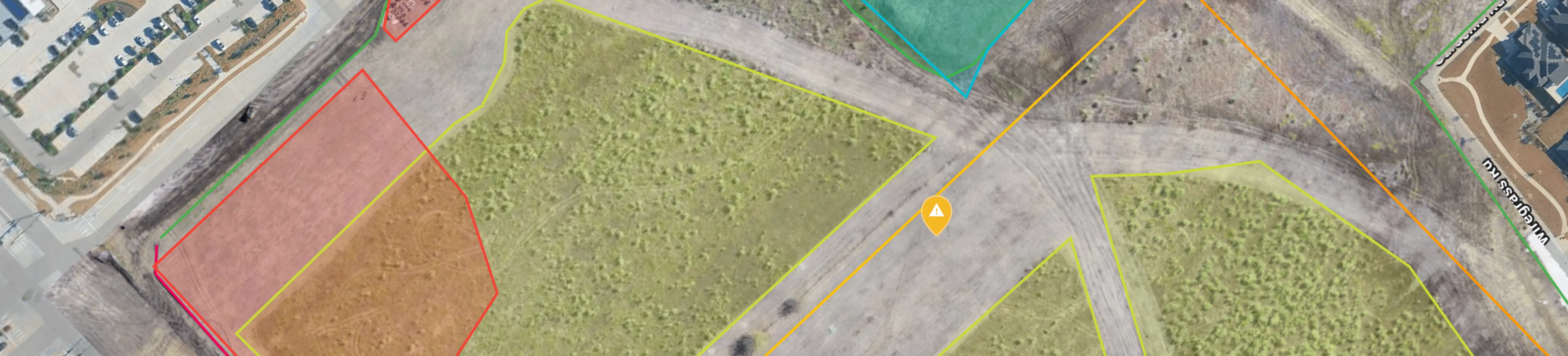
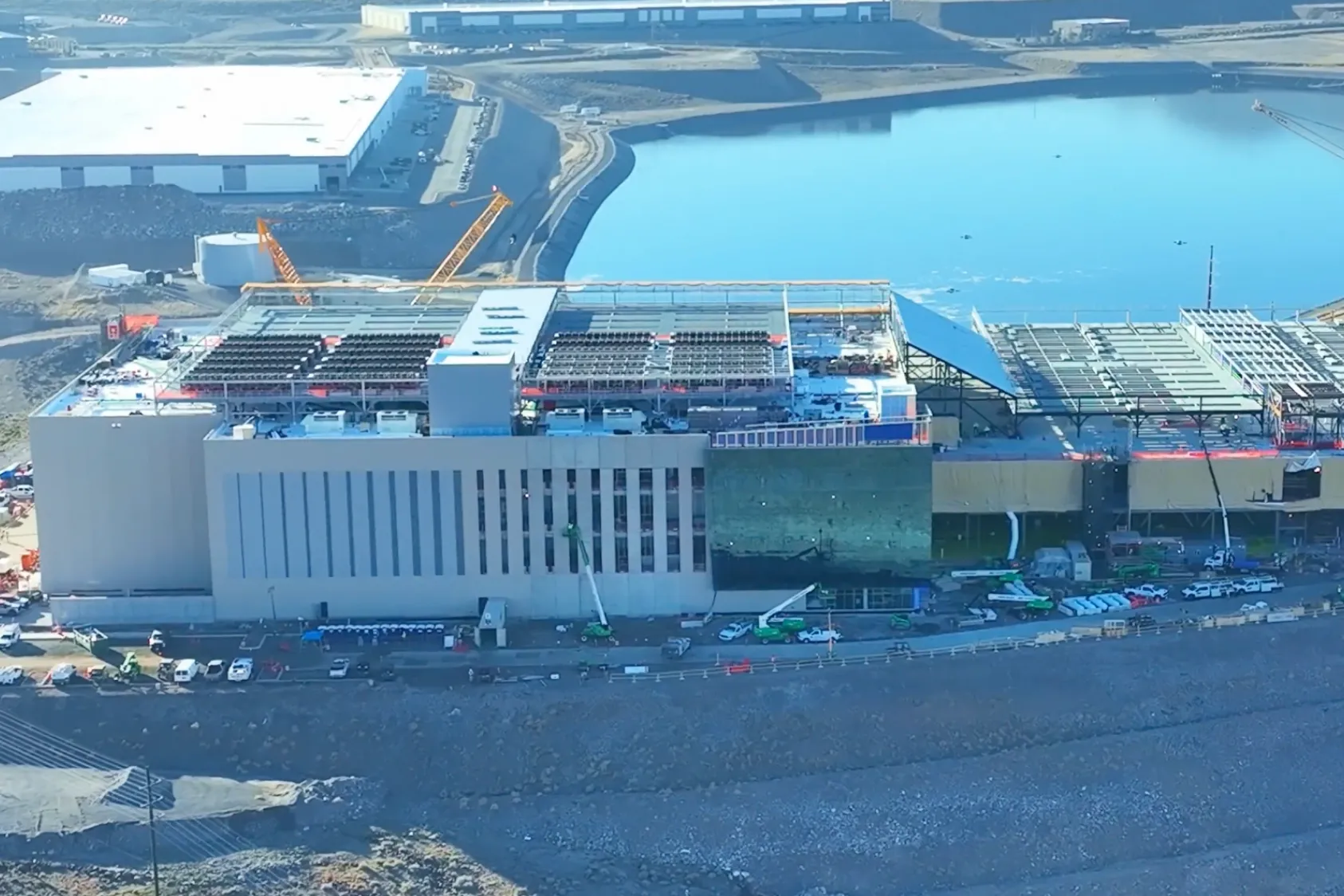
Drone imagery shows the full site layout, access routes and staging areas from above. This view helps coordinators plan large deliveries and crane picks by showing exactly what space is available.
Aerial imagery captures the entire site in a single flight, providing context that ground-level photos can't match. Learn more about drone mapping for construction and how teams measure distances and areas to verify that planned staging zones have adequate space.
Ground-level imagery for interior staging
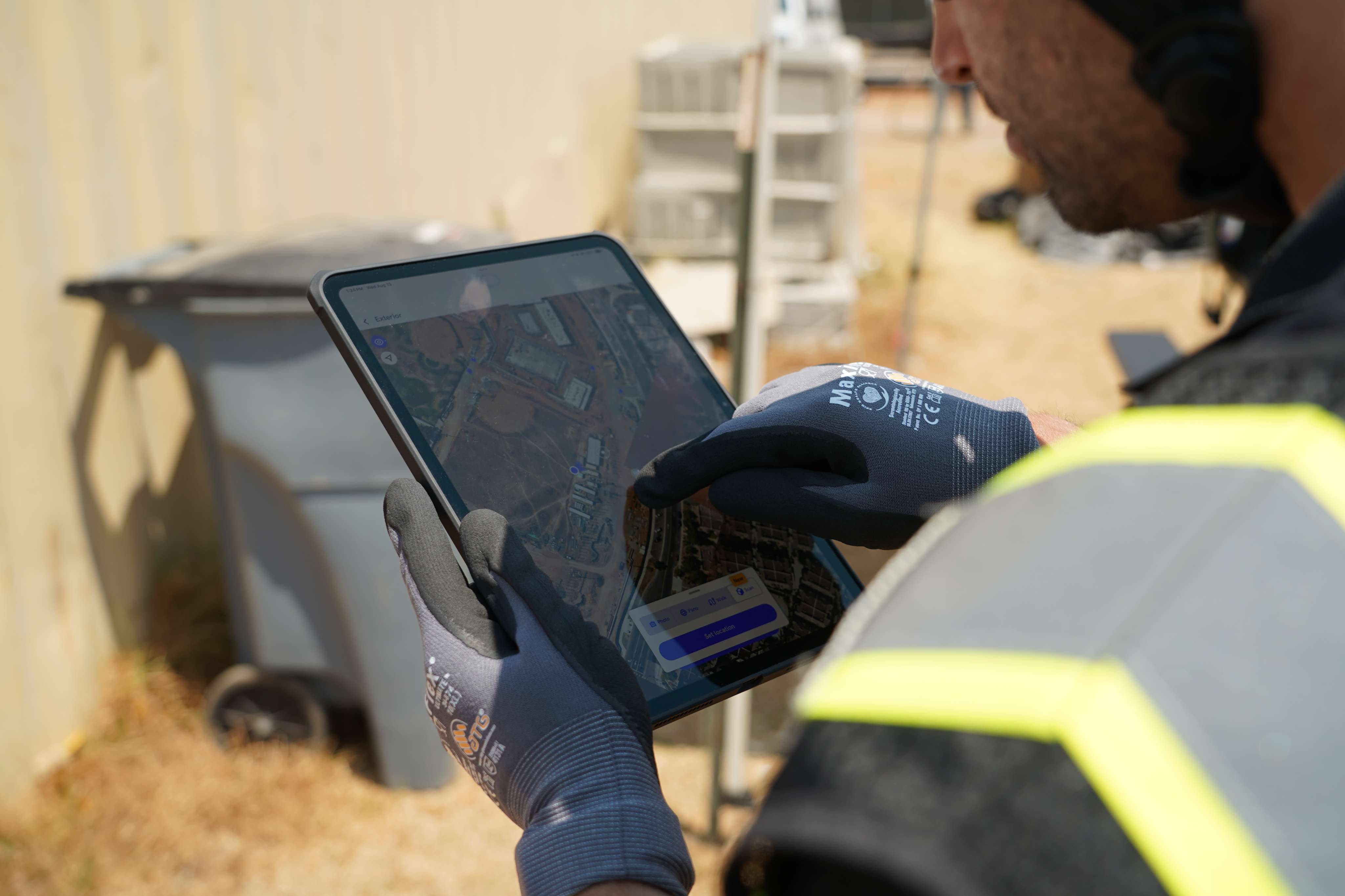
360 walks document interior conditions, floor-by-floor progress and available staging space inside the structure. As the building encloses, ground capture becomes the primary way to verify interior conditions. Use it to confirm readiness before scheduling deliveries.
360 walks document each floor systematically so nothing gets missed. Teams can navigate through the captured imagery to check specific areas without returning to the site.
Comparing planned zones to actual site conditions
Overlaying logistics plans on current imagery verifies that planned staging areas are actually available. DroneDeploy allows teams to compare design overlays against captured conditions, showing whether the space you planned to use is still open.
This comparison catches conflicts before they become problems on the ground. Teams can adjust logistics plans based on what the imagery shows rather than relying on memory or outdated information.
Building a logistics record that supports the entire project
The documentation captured for logistics decisions becomes part of the permanent project record. Aerial maps, 360 walks and delivery logs create a timeline of site conditions that teams reference throughout construction and into closeout.
This record supports progress claims by showing what was on site at any given date. It also provides documentation for dispute resolution if questions arise about delivery timing or staging conditions.

DroneDeploy brings aerial, ground and robotic capture into one system, organized by date and location. The same imagery used for logistics planning becomes the record that supports progress claims, resolves disputes and documents conditions for handover.
Teams don't need to capture separate documentation for different purposes. One capture workflow serves logistics, progress tracking and project closeout.
Every site gets fully captured. Every decision is backed by what's actually there. The documentation you create for logistics becomes the permanent record of your project.
.png)
FAQ
Project management software tracks overall schedule, budget and documentation across the entire project. Construction logistics software focuses specifically on coordinating deliveries, site access and material staging. Many teams use both, with logistics data feeding into the broader project management system.
Logistics software sends real-time alerts when schedules change, allowing teams to quickly reassign gate times and staging areas. Suppliers and subcontractors receive notifications so they can adjust before trucks arrive on site.
Many platforms allow offline scheduling and capture, then sync when connectivity returns. This matters on remote sites or in areas where cellular coverage is inconsistent. Teams can continue working without interruption and trust that their data will upload when they return to connectivity.
Aerial and ground capture tools let existing field teams document conditions during regular site walks. A superintendent can complete a 360 walk in the same time it takes to do a visual inspection, capturing conditions without dedicated personnel. The capture becomes part of the regular site routine rather than an additional task. Teams build a documentation habit that requires minimal extra effort.
Common causes include outdated site information, lack of shared visibility across stakeholders and delivery schedules that don't account for actual progress. When teams plan from different information, conflicts happen. Shared visibility and current documentation prevent most coordination failures before they reach the field.

Ready to manage your data from the very start?
Book a quick call to see how DroneDeploy streamlines capture from construction through building ROI.