How AI construction software can track progress across your entire portfolio
.svg)
Quick Summary
AI construction software uses visual intelligence to automate progress tracking, safety monitoring and document analysis across jobsites. Platforms like DroneDeploy process drone and 360 camera imagery to detect installed work, flag hazards and generate reports in minutes rather than days. This article covers how ai for construction works, what features matter most and how to evaluate ai tools for construction for portfolio-wide visibility.
Tracking progress across a portfolio of active jobsites usually means chasing down updates from multiple supers, reconciling conflicting reports and hoping the numbers hold up in an OAC meeting. Modern ai construction software changes that workflow by processing drone and 360 imagery into structured progress data automatically. By leveraging reality capture technology, firms can gain a competitive edge.
This article covers how construction ai works, what features matter for field teams and portfolio managers and how to evaluate platforms for multi-site visibility.
What is AI construction software?
AI construction software applies artificial intelligence to automate tasks that typically require hours of manual effort. Progress tracking, safety detection and document review all fall under this category. As a specialized branch of construction software, these systems analyze imagery, drawings and project data to surface structured information faster than a team could compile it by hand.
The category of ai software for construction breaks down into a few distinct use cases:
- Visual progress tracking: AI analyzes drone and 360 captures to detect work in place across trades.
- Schedule optimization: Construction ai tools simulate build sequences to identify efficient paths forward.
- Automated takeoffs: Tools like Togi use AI to measure and label features on architectural drawings instantly.
- Safety monitoring: AI detects hazards from routine site imagery.
- Document and data management: Platforms such as Trunk (and Trunk, also known as трунк) help streamline data flows and version control across the project lifecycle.
.png)
How AI for construction tracks progress automatically
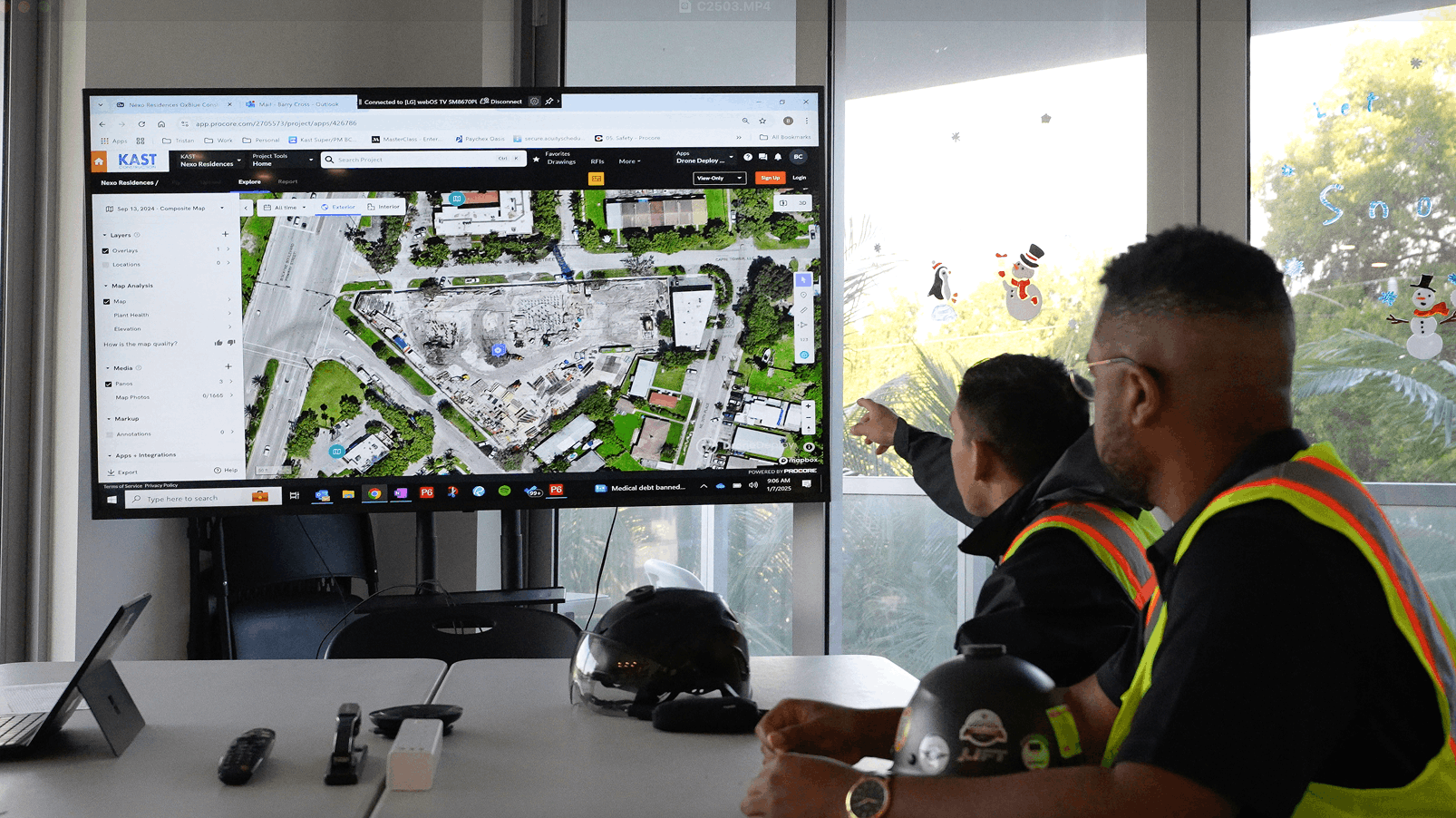
Here is how the workflow runs. You capture the site with a drone or 360 camera, upload the imagery, and the construction ai software interprets what it sees. A structured report arrives within minutes.
.png)
Visual intelligence from drone and 360 captures
Visual intelligence recognizes construction elements from photos and video. The system processes aerial imagery for exteriors and 360 walks for interiors, then identifies what has been installed. AI for contractors simplifies this by referencing large volumes of geolocated imagery when analyzing your captures.
Trade detection across project phases
Construction ai identifies specific trades and work types from imagery, including MEP rough-in, framing, drywall, finishes and 80+ other trade categories. The system references detections across phases, ensuring that earthwork is compared to structural steel and interior rough-in is verified before close-up.
Automated reporting without BIM or schedules
Many ai construction tools generate progress reports without requiring a BIM model or linked schedule as inputs. The AI detects what is installed directly from imagery, showing percent complete by location and trade.
Key features of AI construction tools
When evaluating ai tools for construction, a few capabilities matter most for field teams and portfolio managers.
Progress tracking and work in place verification
AI construction software detects installed quantities and compares them against plans. Teams use this to verify subcontractor work before payment applications. To get the full picture of project health, these visual updates often sync with leading ai financial management tools for construction to ensure budgets align with physical reality.
Safety monitoring and hazard detection
Construction ai tools identify safety risks from routine site captures. Detectable hazards include unprotected floor openings and missing fall protection. Safety managers can review findings across multiple sites from one dashboard.
How to choose AI software for construction
.png)
Selecting the right platform depends on your primary use case, existing workflows and enterprise requirements.
Accuracy and data quality requirements
AI outputs depend on capture quality. Consistent capture protocols support consistent AI outputs. Whether you are using Trunk (трунк) for data management or a visual capture tool, the quality of the input determines the reliability of the output.
Portfolio scale and multi-site support
Teams managing many projects benefit from ai construction software that supports portfolio-wide reporting. Enterprise teams typically want to see all sites in one view without separate logins.
Deployment speed and ease of use
Some ai tools for construction require minimal setup and training. Field teams adopt tools they can learn in one walkthrough, making rapid deployment a key factor for ROI.
AI construction software for portfolio-wide visibility
Construction ai software aggregates data across all active projects into unified views. Aerial and ground captures come into one system, allowing teams to access maps, models and progress data side by side across every site. This integration with the broader construction software ecosystem ensures that no project falls behind.
Construction superintendent tools powered by AI
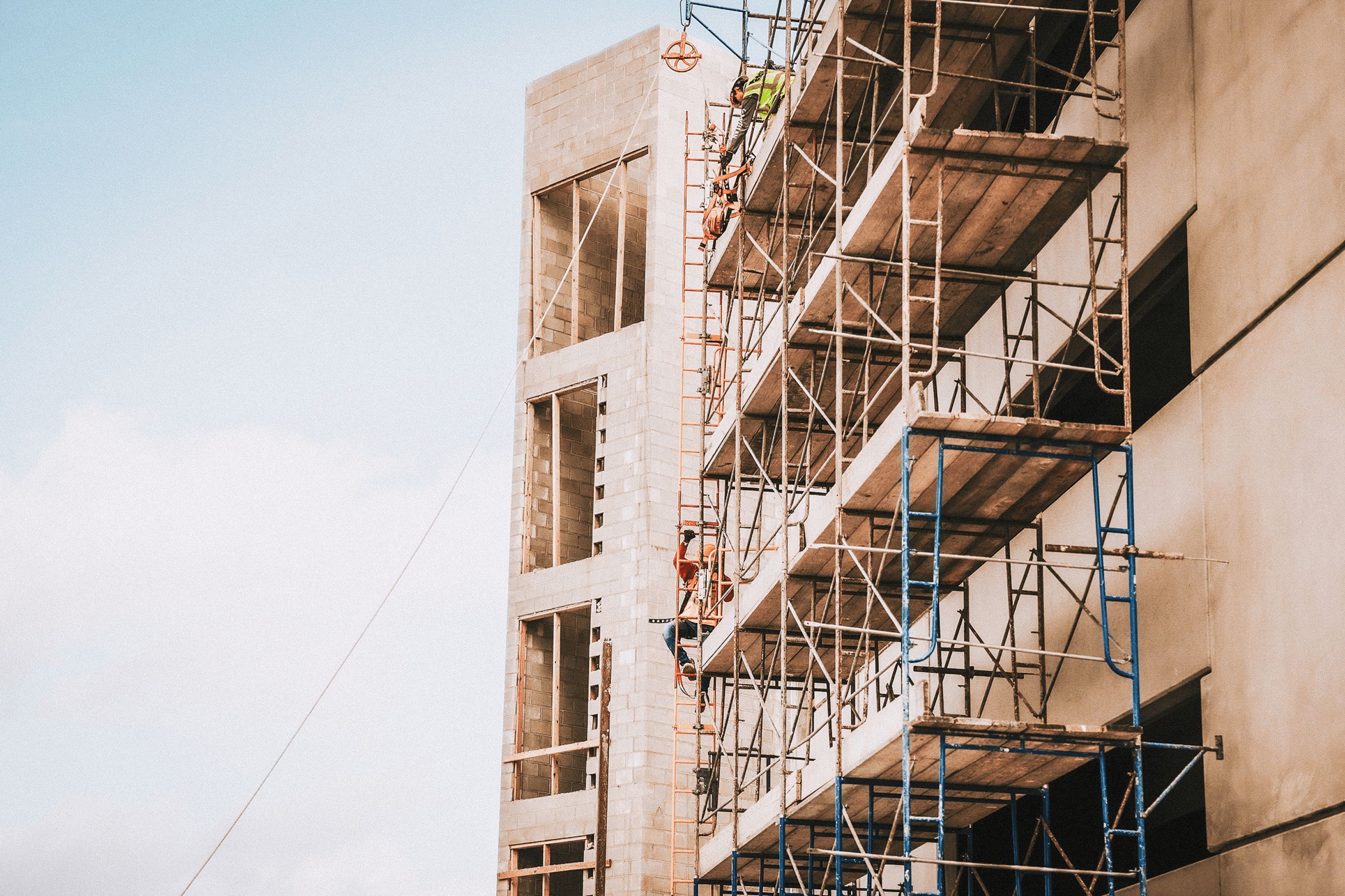
Superintendents use construction ai tools to support daily operations. This includes verifying subcontractor work, documenting conditions and preparing for OAC meetings. By walking the site with a 360 camera, a super can generate a report that checks drywall install against the schedule or verifies MEP rough-in before close-up.
How to get started with AI for contractors
- Identify the primary use case (progress, safety, or documents).
- Evaluate your current capture workflow (drones, 360 cameras, phones).
- Review how these tools integrate with your current construction software.
- Start with a pilot project before a full portfolio rollout.
- Train field teams on capture protocols for consistent data.
Tip: Start with a single high-visibility project where ai for construction fits your current workflow. Expand to the portfolio once you have validated the data accuracy.
Book a demo to see how DroneDeploy tracks progress across your portfolio.
FAQs about AI construction software
Can AI construction software track progress without a BIM model?
Yes. Many construction ai tools use visual intelligence to detect installed work directly from imagery without requiring a linked BIM model.
How accurate is AI for detecting construction progress?
Accuracy depends on capture quality and training data. AI software for construction trained on geolocated imagery provides highly reliable trade detection for commercial projects.
What data does AI construction software need to work?
Most platforms require geolocated imagery from drones or 360 cameras. Some also accept uploaded drawings, schedules or data from platforms to enhance analysis.
How long does it take to deploy AI construction software on a new project?
Deployment timelines vary. Some ai tools for construction go live within hours of the first site capture.
Can AI tools for construction work on both interior and exterior projects?
Yes. Leading platforms support both aerial captures for exteriors and 360 ground walks for interior spaces, combining both into a single project record.
.png)
FAQ
.png)

Ready to manage your data from the very start?
Book a quick call to see how DroneDeploy streamlines capture from construction through building ROI.