How mapping software documents utilities before you dig and after you backfill
.svg)

Quick Summary
Professional utility mapping involves capturing and displaying the location of buried infrastructure. Teams use it before excavation to avoid hitting existing lines and after installation to create permanent as-built records. By using modern underground mapping tools, contractors ensure that what is buried remains "visible" in a digital environment.
Buried utilities are invisible the moment backfill covers them. The records you create during that narrow window become the only reference for every crew that works the site afterward. Getting this documentation right determines whether future crews can work safely or end up guessing at what's below grade. DroneDeploy's construction platform and advanced underground utility mapping software help teams capture these records before the window closes.
Utility mapping software captures, records, and displays the location of pipes, cables, and conduits so teams can avoid strikes during excavation and hand over accurate as-builts at closeout. This article covers how the software works, the accuracy standards that matter, and the capture methods used in the field.
.jpg)
What underground utility mapping software does
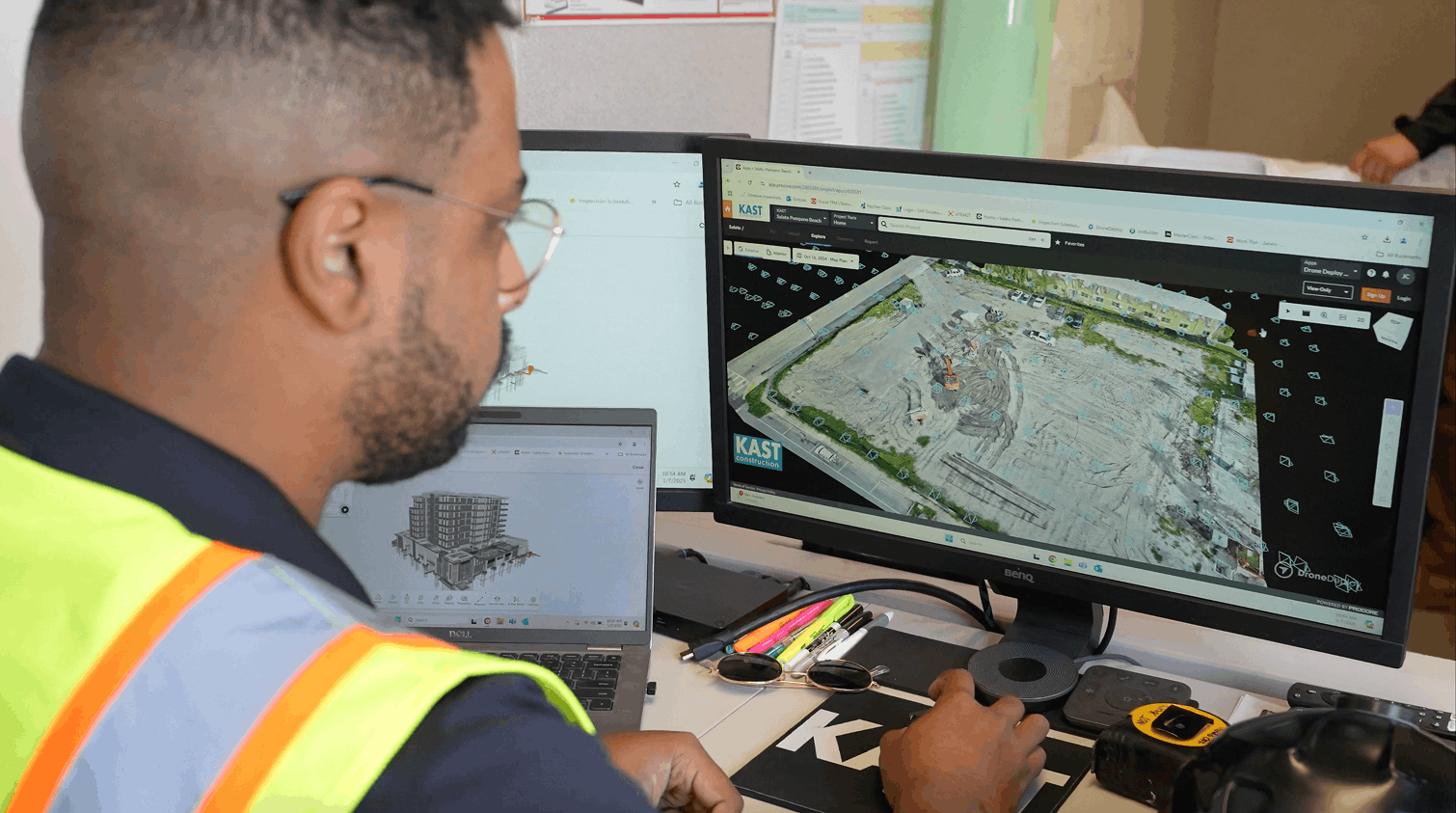
Utility mapping software helps engineers, surveyors and contractors identify, visualize and manage underground utilities by recording precise location data and displaying it on 2D maps or 3D models. The software compiles scattered utility records into a single view, making it easier to see what's buried before breaking ground. Combined aerial and ground capture documents utilities throughout the project lifecycle.
The software handles three core functions:
GIS links location data to maps and serves as the underlying technology for utility documentation. As-builts show what was actually installed versus what was originally designed, serving as a permanent reference for future work.
Why accurate utility records matter before and after construction
Two moments define when utility documentation becomes critical. Before excavation, existing utilities are located and marked to prevent strikes. During open trench conditions, new installations get documented with coordinates and depth before they're buried prevent strikes. During open trench conditions, new installations get documented with coordinates and depth before they're buried.
Once backfill happens, the installation is hidden. High-quality buried utility location software becomes the only reference for future projects. No amount of institutional knowledge replaces documented coordinates and visual records.
How to map existing utilities before excavation
1. Gather existing utility records and site plans
Teams start with available records from municipal plans and one-call data. Many areas have incomplete records, which is why field verification is essential.
2. Verify locations with field locating equipment
Locators using electromagnetic detection or ground-penetrating radar (GPR) physically find buried lines. Electromagnetic locators trace conductive utilities like metal pipes and cables, but the data still requires a permanent record to be useful for future reference. Field verification confirms which records are accurate and which need updating.
3. Capture visual documentation at ground level
360 cameras or standard photos document surface conditions. Using a mobile underground utility mapping app, photos are geotagged and mapped to site plans automatically.
4. Overlay verified data on project maps
Verified locations are added to site plans or CAD drawings. This creates a comprehensive map showing what's underground relative to planned work, giving everyone a shared view of subsurface conditions.
How to document new utility installations before backfill
1. Schedule capture during open trench conditions
Timing is critical. Capture must happen while utilities are exposed, typically within a narrow window before the next trade moves in.
2. Fly aerial missions and walk ground coverage
Drones capture trench routes from above, while tools like PointMan or Point Man (often searched as manpoint) allow for precise data collection on the ground. Aerial capture shows the overall alignment, while ground capture shows pipe connections and sleeve installations.
3. Compare installations against design drawings
Teams overlay captured data on design files to verify that installations match plans. Any deviations are noted while they can still be corrected.
4. Generate as-built records with precise coordinates
The output is georeferenced maps or point clouds. These records become the permanent documentation for handover to owners, serving as the definitive reference for decades.
.jpeg)
Accuracy standards for underground utility mapping
RTK and PPK workflows for survey-grade positioning
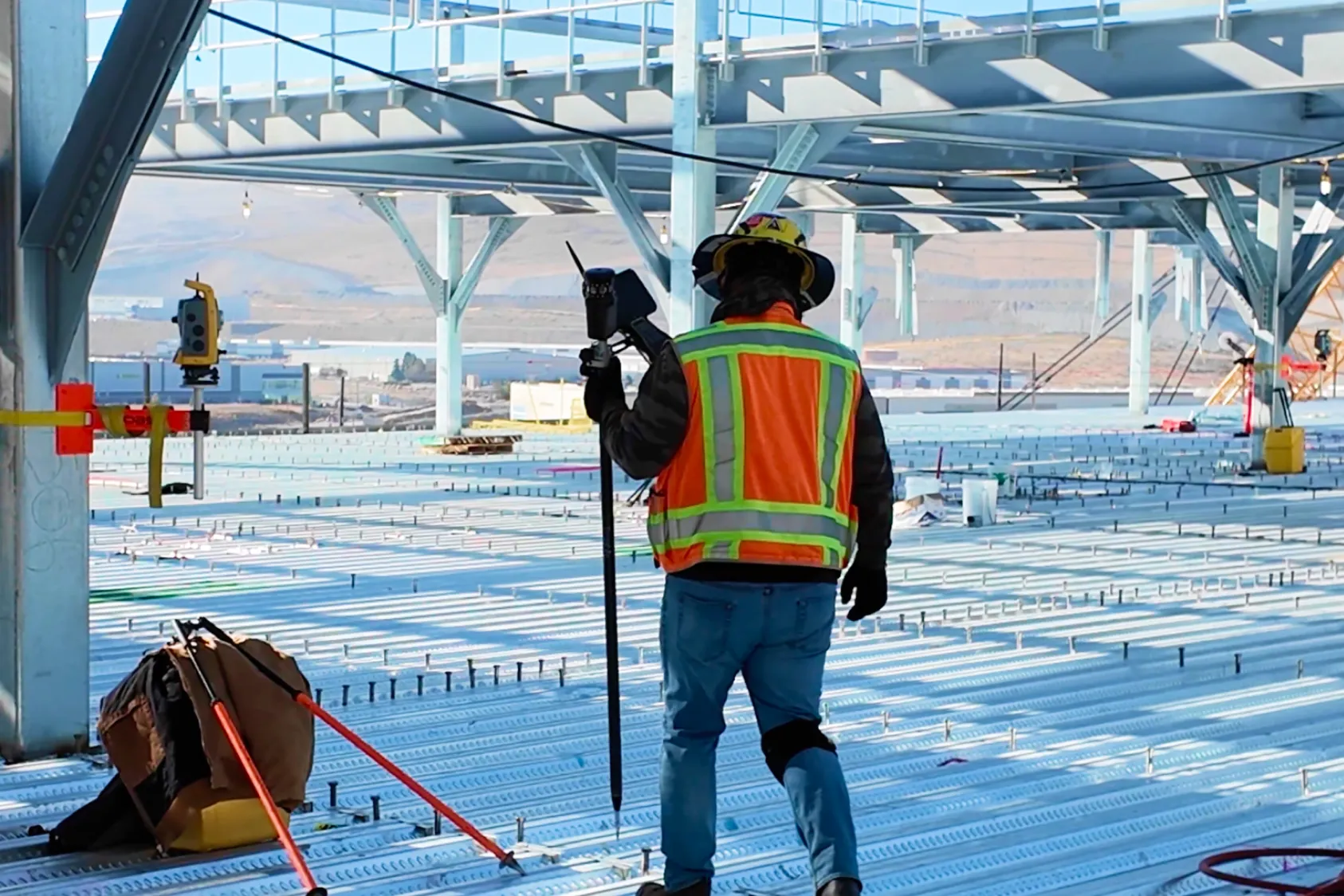
RTK (Real-Time Kinematic) and PPK (Post-Processed Kinematic) are GPS correction methods that can achieve centimeter-level accuracy. RTK provides corrections in real time during capture, while PPK applies corrections after the fact. Both methods produce survey-grade positioning suitable for utility documentation and meet the precision requirements for as-built records. In addition to RTK and PPK, Ground Control Points (GCPs) and checkpoints must be used to achieve consistently accurate drone maps.
Coordinate systems and data alignment
Coordinate systems matter because design files imported into the platform will only align with the drone map using the correct coordinates. . Common systems include state plane coordinates and UTM (Universal Transverse Mercator). The software handles the conversion, but teams specify which system the project uses to ensure compatibility with other project documentation.
.png)
Quality level classifications for utility data
ASCE 38 defines quality levels that describe utility data reliability.
Quality LevelData SourceTypical AccuracyDExisting records onlyLowCSurface features surveyedModerateBSubsurface detection (GPR, EM)HigherAPhysical exposure and surveyHighest
.jpeg)
Most utility mapping software produces Quality Level B data produces Quality Level B data when paired with locating equipment. Quality Level A requires physical exposure, which is documented during open trench conditions.
Capture methods for utility mapping in the field
Aerial drone mapping for corridors and trench routes
Drones create orthomosaics or 3D modelsDrones create orthomosaics or 3D models of linear routes. This perspective helps crews see how new installations relate to existing site conditions across large areas.
Ground-level 360 capture for detailed utility photography
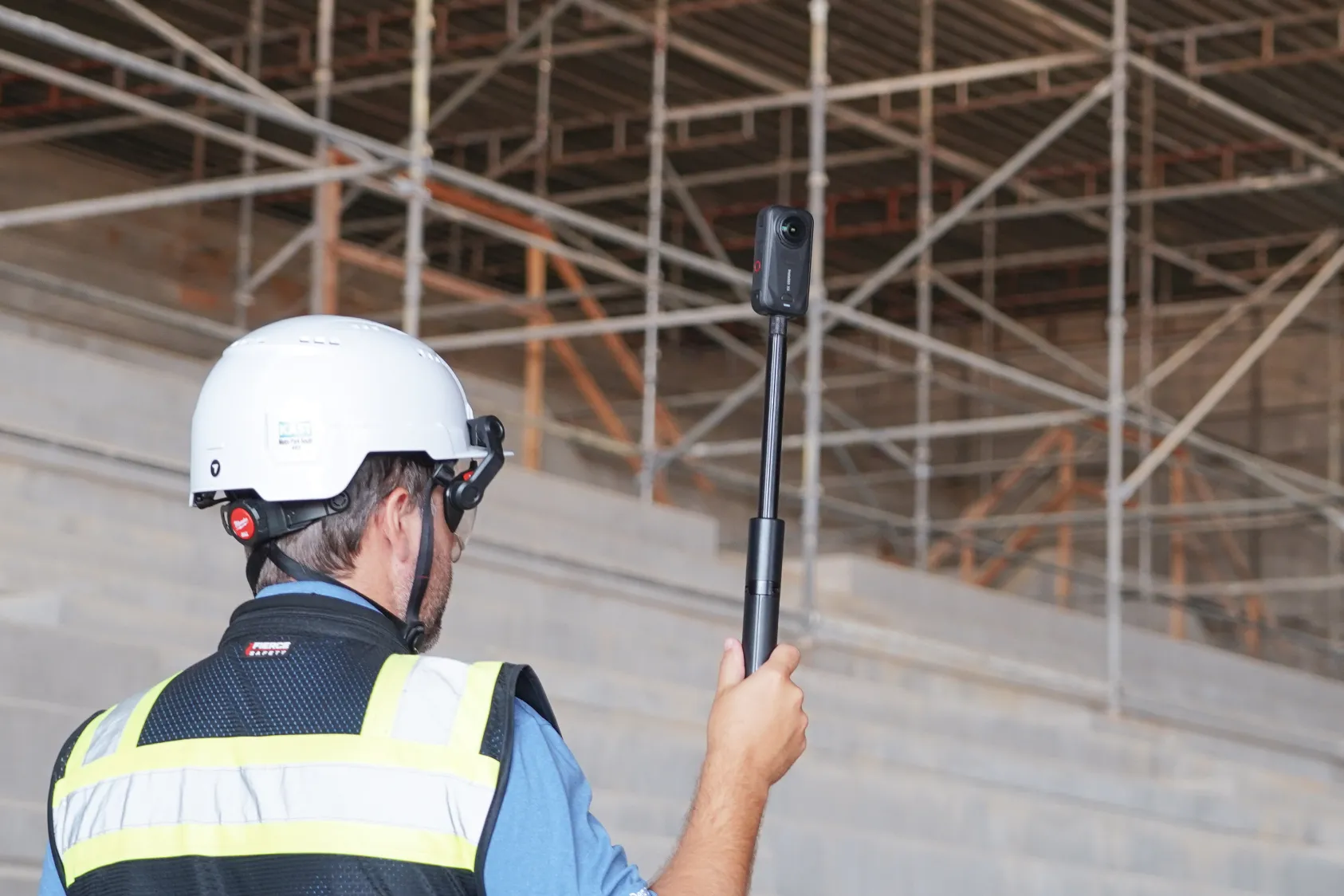
360 cameras document close-up details that aerial capture might miss, such as joint locations and depth markers. These photos are automatically mapped to site plans for easy reference.photos are automatically mapped to site plans for easy reference.
Use 3D scans to "see" through concrete and backfill
3D laser scanning (LiDAR) provides a forensic, millimeter-accurate record of utilities before they are buried. By overlaying these point clouds onto your BIM model, you can "see" through concrete to locate conduit and post-tensioning cables with survey-grade precision. This high-fidelity documentation eliminates costly exploratory potholing and provides owners with a permanent digital twin for decades of maintenance.
Robotic capture for repeatable site documentation
Autonomous drones and ground robots handle ongoing documentation on active sites. This provides consistent coverage without pulling crews from other critical tasks.
Industries that rely on utility mapping software
Construction and civil infrastructure
General contractors and excavation crews use utility engineering software to support coordination and provide a defensible record for closeout.
Energy and power generation
Solar farms and substations document complex underground electrical networks. Precise records help operations teams locate specific runs without exploratory excavation.
Municipal water and wastewater
Municipalities map water mains and sewer lines to support maintenance planning. Accurate records help avoid conflicts during future roadwork or infrastructure upgrades.
Integration with GIS and construction management platforms
Modern underground utility mapping software connects with other systems to keep data flowing:
How to evaluate utility engineering software for your sites
When selecting a solution, consider these factors:
- Accuracy requirements: Does the software support RTK/PPK?
- Mobile capability: Is there a robust underground utility mapping app for field crews?
- Integration: Does it connect with pointman or other specialized data collectors?
Teams can document utilities with aerial and ground capture in one platform. See how utility mapping works on your sites and evaluate how it fits your specific workflow.
Related resources
.png)
FAQ
Some municipalities and utility owners provide online access to utility records, but coverage and accuracy vary widely. Many teams use utility mapping software to create their own verified records for specific project sites. This approach gives crews confidence in the data rather than relying on potentially outdated municipal records.
UDM (Utility Data Management) mapping refers to the digital capture and storage of underground utility data. UDM supports subsurface utility engineering (SUE) by providing the data foundation for quality level designations and conflict analysis. The digital records created through UDM become the reference for SUE professionals throughout the project lifecycle.
Field apps typically support GPS positioning, photo capture with geotags, offline functionality and the ability to sync data to cloud-based maps. Integration with locating equipment is useful for recording depth and utility type. These features let field crews document utilities without returning to the office to upload data.
Utility locating uses equipment like GPR or electromagnetic locators to physically detect buried infrastructure. Utility mapping records locations in software to create a permanent, shareable map. The two processes work together, with locating providing the field data and mapping creating the lasting record.
Ready to learn more?
Contact sales to see how DroneDeploy can give your teams the power to document and analyze your sites from the air and ground – all in one AI-powered platform.